
Review legacy GIS imports
GIS files
Review verified legacy groups before replacing many older rows with one dataset.
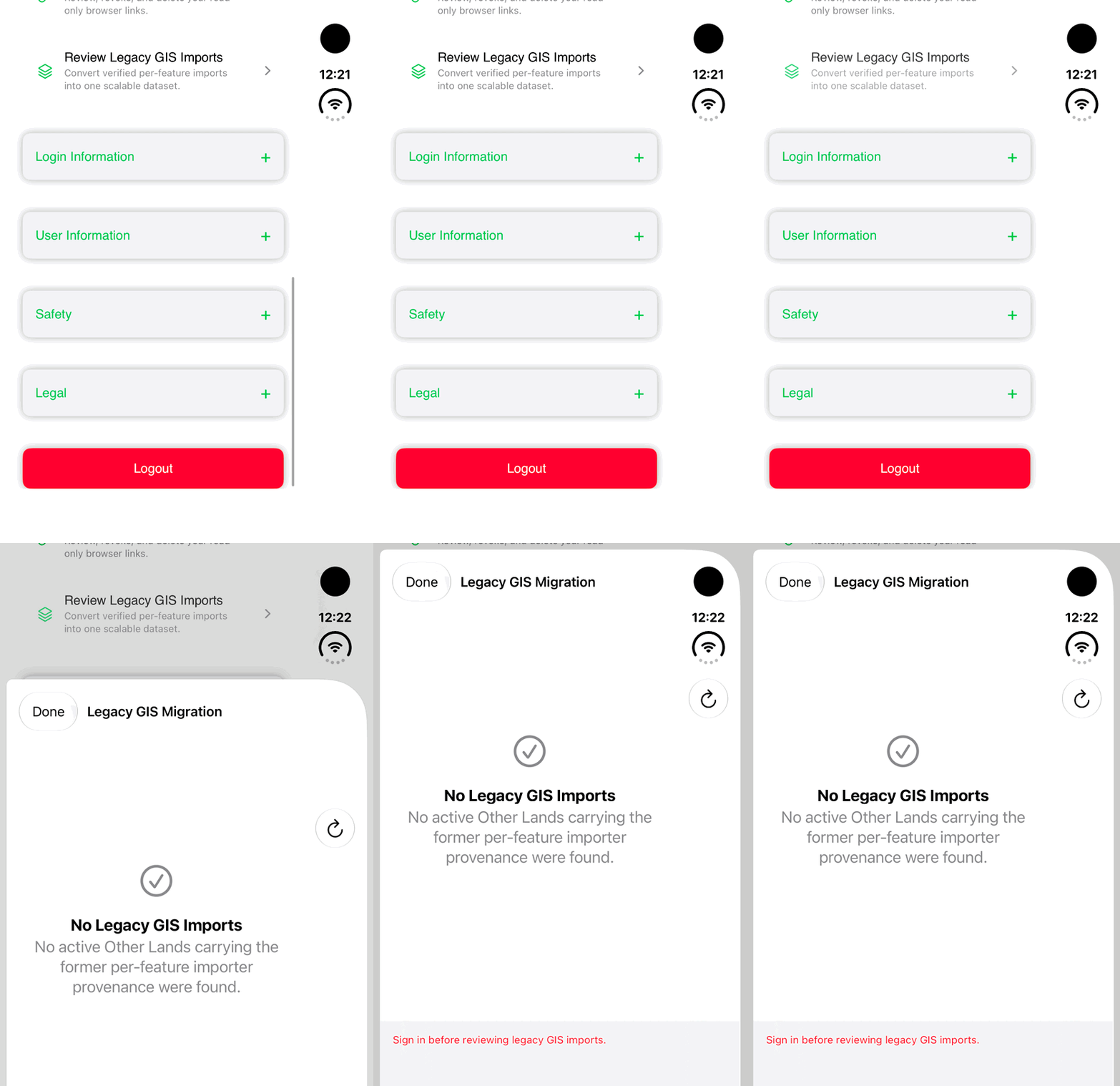
Walkthrough paused.
Follow the written steps or select Play walkthrough to watch the example.
iPhone Duo: find Review Legacy GIS Imports in Settings and open its signed-out empty state. Sign-in is required before reviewing imports; no migration, refresh or successful import is demonstrated.Open the looping GIF
Follow along
One step at a time.
Review verified legacy groups before replacing many older rows with one dataset.
Open the review
Choose Settings → Data Management → Review Legacy GIS Imports.
Inspect candidates
Review the source and feature counts of verified groups.
Confirm the intended migration
Choose Migrate and Hide Legacy Rows only after reviewing the offered group.
Verify the result
Inspect the replacement Other Land dataset and its sync status.