
Open a shared map in iLands
GIS files
Inspect a read-only package without confusing its snapshot with live account data.
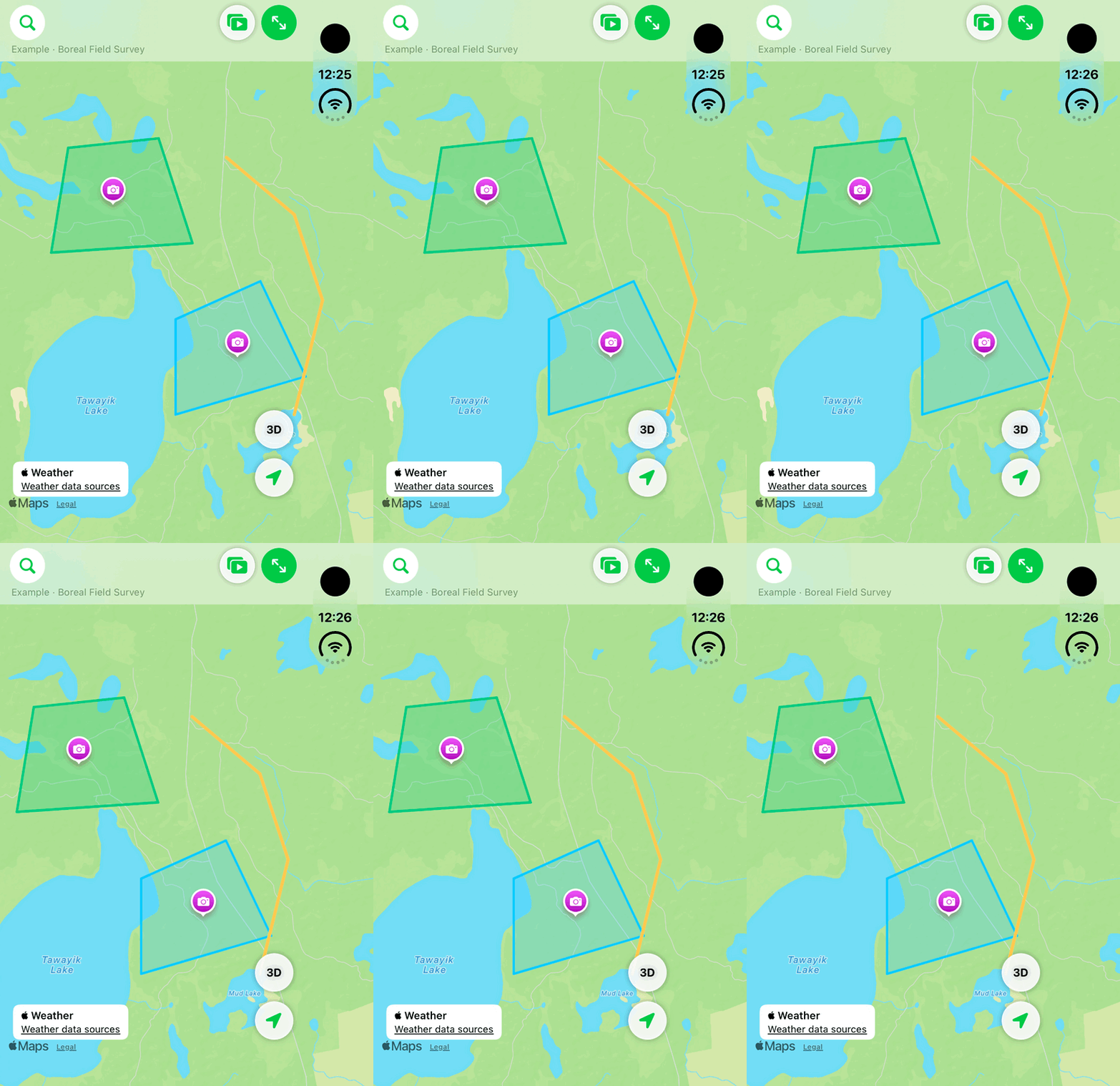
Walkthrough paused.
Follow the written steps or select Play walkthrough to watch the example.
iPhone Duo: pan a fictional .ilmap package in the native shared-map viewer. Panning is demonstrated; browser viewing, file opening, search, feature inspection and new sharing are not.Open the looping GIF
Follow along
One step at a time.
Inspect a read-only package without confusing its snapshot with live account data.
Choose Open Map File
In Map Source, tap Open Map File.
Select the .ilmap
Choose the saved file and wait for validation.
Inspect Shared Map
Review the included lands, cameras, presentation content and Story Maps.
Return to My Map
Choose My Map to continue with live account records.