
Refresh Camera Intelligence
Field cameras
Review the camera’s date-based activity category separately from object encounter estimates.
Walkthrough paused.
Follow the written steps or select Play walkthrough to watch the example.
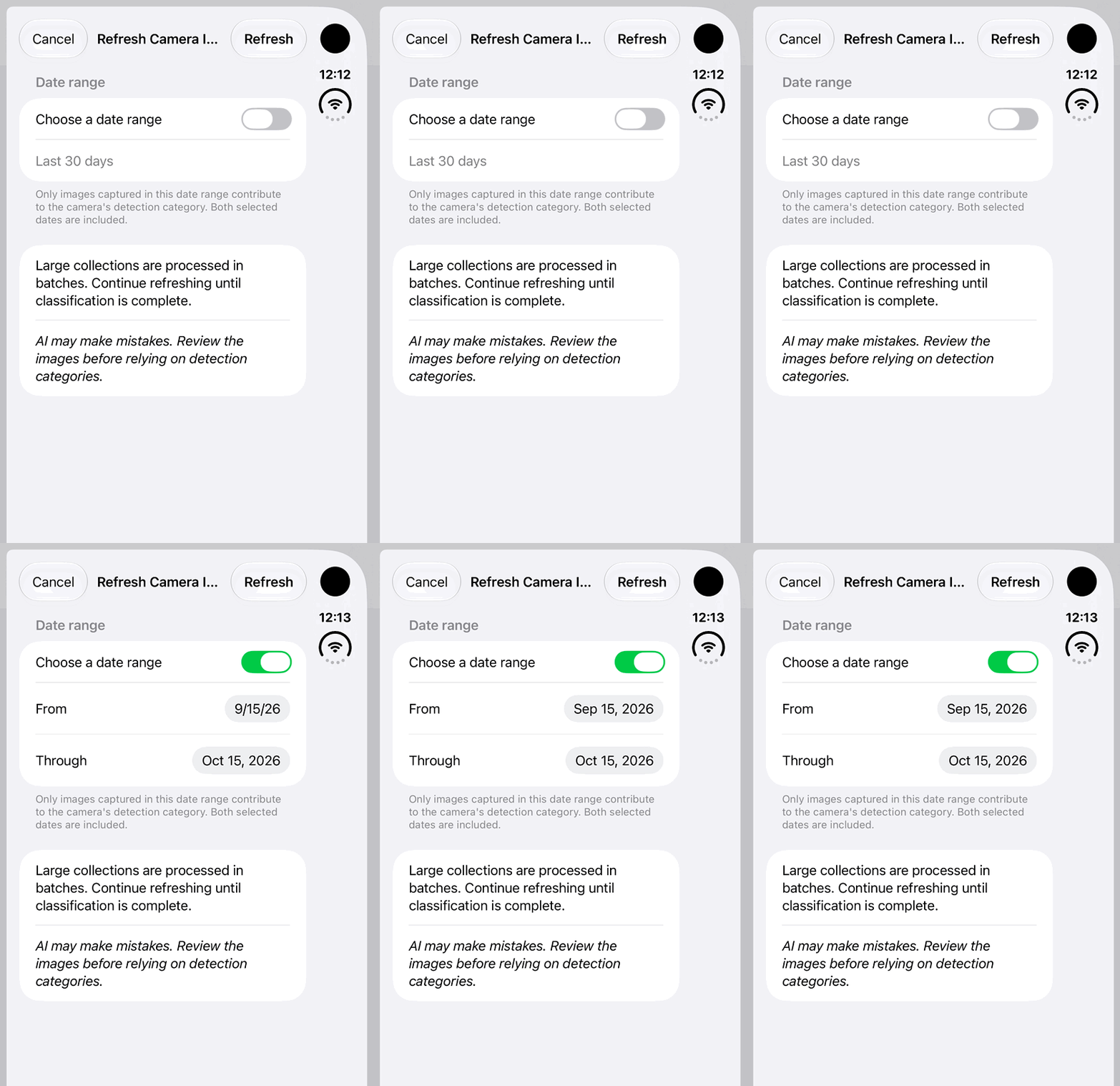
iPhone Duo: turn on a custom date range for Camera Intelligence and review the displayed dates. No Refresh, analysis result, classification accuracy or completed report is demonstrated.Open the looping GIF
Follow along
One step at a time.
Review the camera’s date-based activity category separately from object encounter estimates.
Open the camera
Find it in Field Cameras and inspect its Camera Intelligence section.
Tap Refresh Camera Intelligence
Choose the default Last 30 days or enable Choose a date range and set From and Through.
Tap Refresh
Keep iLands open while available image metadata is classified. Large collections may require continued refreshes.
Review completeness
Check classification status, update date and Wildlife, Human, Vehicle, Mixed Activity or Empty context before relying on the category.