
Create and share a land PDF report
Reports
Prepare a readable report, then review the saved copy before sharing or printing.
Walkthrough paused.
Follow the written steps or select Play walkthrough to watch the example.
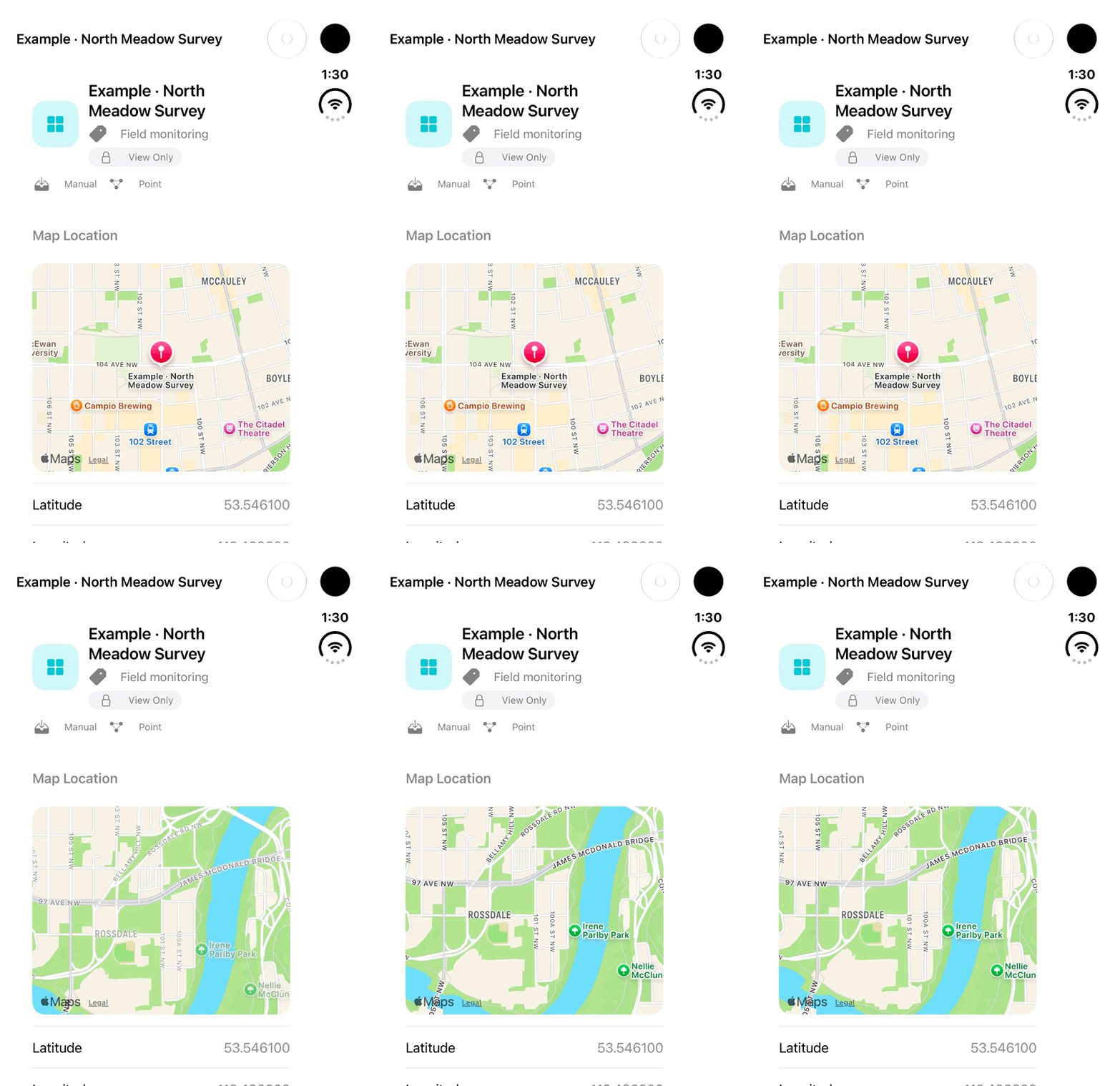
iPhone Duo: review a View Only Other Land example and pan its map before attempting a PDF report. Report/export controls are absent in this context; no PDF creation, save, share, print or permission change is demonstrated.Open the looping GIF
Follow along
One step at a time.
Prepare a readable report, then review the saved copy before sharing or printing.
Open a supported record
Open a Wetland, Traditional Knowledge or Other Land record.
Tap Generate Report
Use the printer icon labelled Generate Report and wait for preparation.
Save the PDF
Choose a location in the Files save picker and save.
Review, share or print
Open the saved PDF in a compatible viewer and use its Share or Print action. Export Data and Share → Share → PDF Report (.pdf) also sends a copy where offered.