
Read land indicators with context
Land records
Open the explanation behind an indicator before using it in discussion or a report.
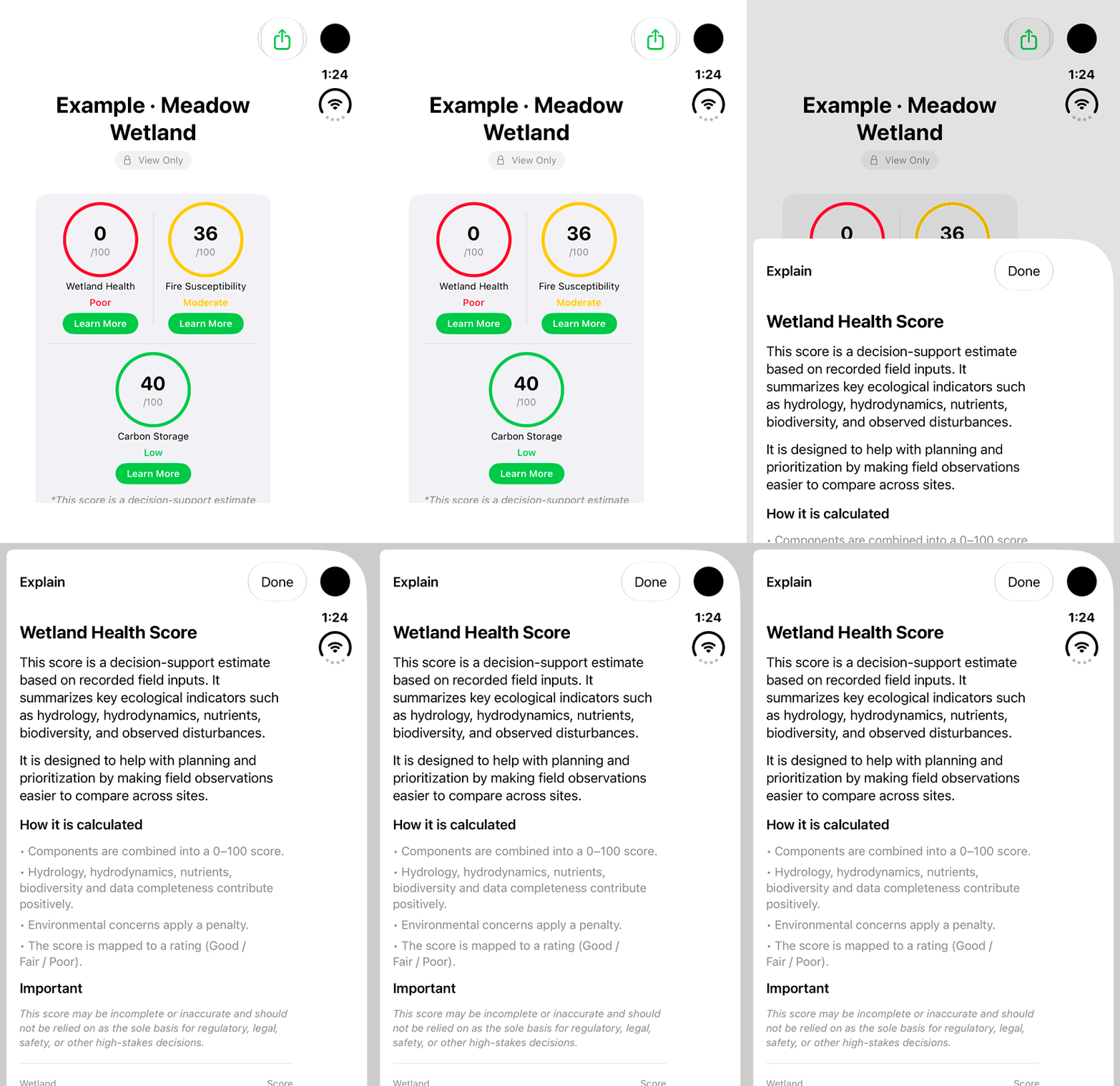
Walkthrough paused.
Follow the written steps or select Play walkthrough to watch the example.
iPhone Duo: open Learn More for a fictional Wetland Health score and review its explanation. This is an app-generated decision-support estimate, not a verified field assessment; no saved change or recalculation is demonstrated.Open the looping GIF
Follow along
One step at a time.
Open the explanation behind an indicator before using it in discussion or a report.
Open a saved land
Tap the record from Lands or its map representation.
Find the available indicators
For Wetland, review Wetland Health, Fire Susceptibility and Carbon Storage.
Open an explanation
Read how the displayed value is derived and which observations it uses.
Keep observation context
Review field notes and source observations before sharing the value.