
Print selected dataset layers
Reports
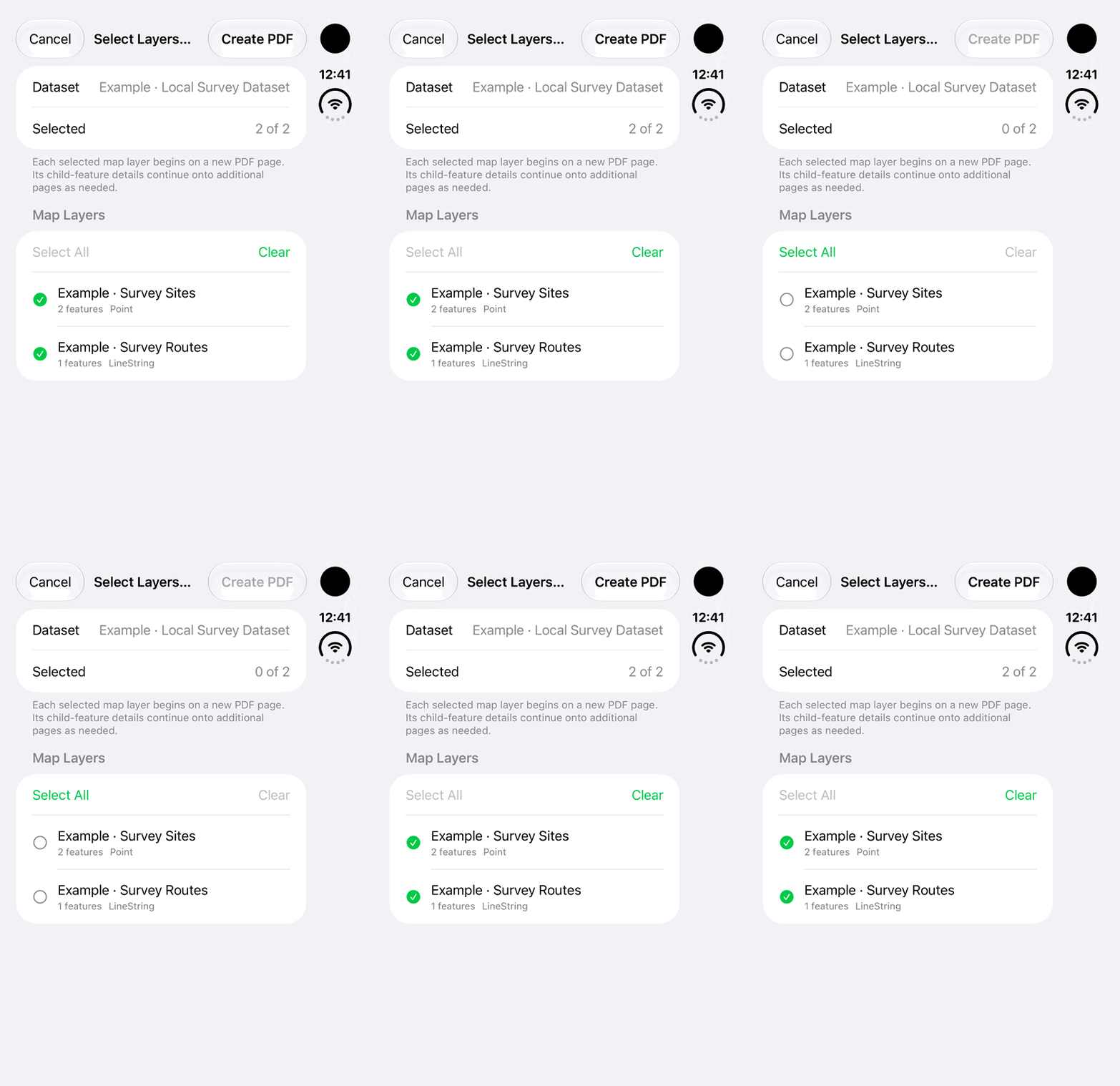
Select the imported layers that belong in the report instead of printing only a parent summary.
Walkthrough paused.
Follow the written steps or select Play walkthrough to watch the example.
iPhone Duo: clear and restore the layers selected for an example imported-dataset PDF report. No PDF is created, printed or shared.Open the looping GIF
Follow along
One step at a time.
Select the imported layers that belong in the report instead of printing only a parent summary.
Open the dataset
Open the imported Other Land dataset.
Tap Generate Report
Open Select Layers to Print.
Select the layers
Choose the required layers and review the selection.
Tap Create PDF
Prepare and review the report, then save or share it using the available controls.