
Attach photos, video and audio
Land records
Keep permitted supporting evidence with the observation it explains.
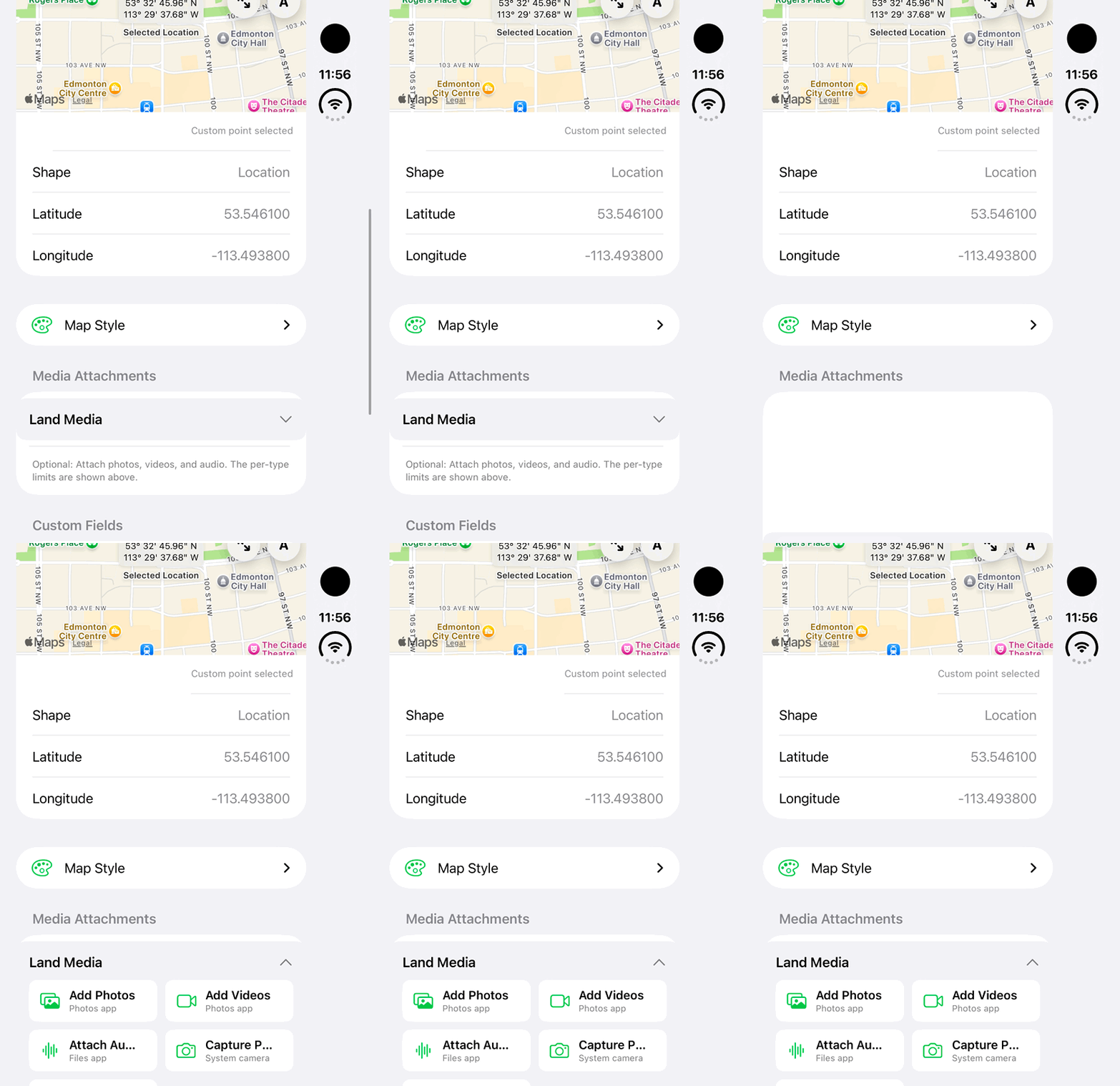
Walkthrough paused.
Follow the written steps or select Play walkthrough to watch the example.
iPhone Duo: expand Land Media and review available photo, video, audio and camera-source choices. No media is selected, captured, attached or saved.Open the looping GIF
Follow along
One step at a time.
Keep permitted supporting evidence with the observation it explains.
Open Land Media
Expand Land Media or Media Attachments in the land editor.
Choose a permitted file
Use the available photo, video or audio control, granting device access if requested.
Review attachments
Check previews and remove unwanted items before saving.
Save and verify
Save the record, reopen it and confirm the intended media is available.