
Create a Story Map
Maps and stories
Turn a selected land and saved map views into a guided sequence of scenes.
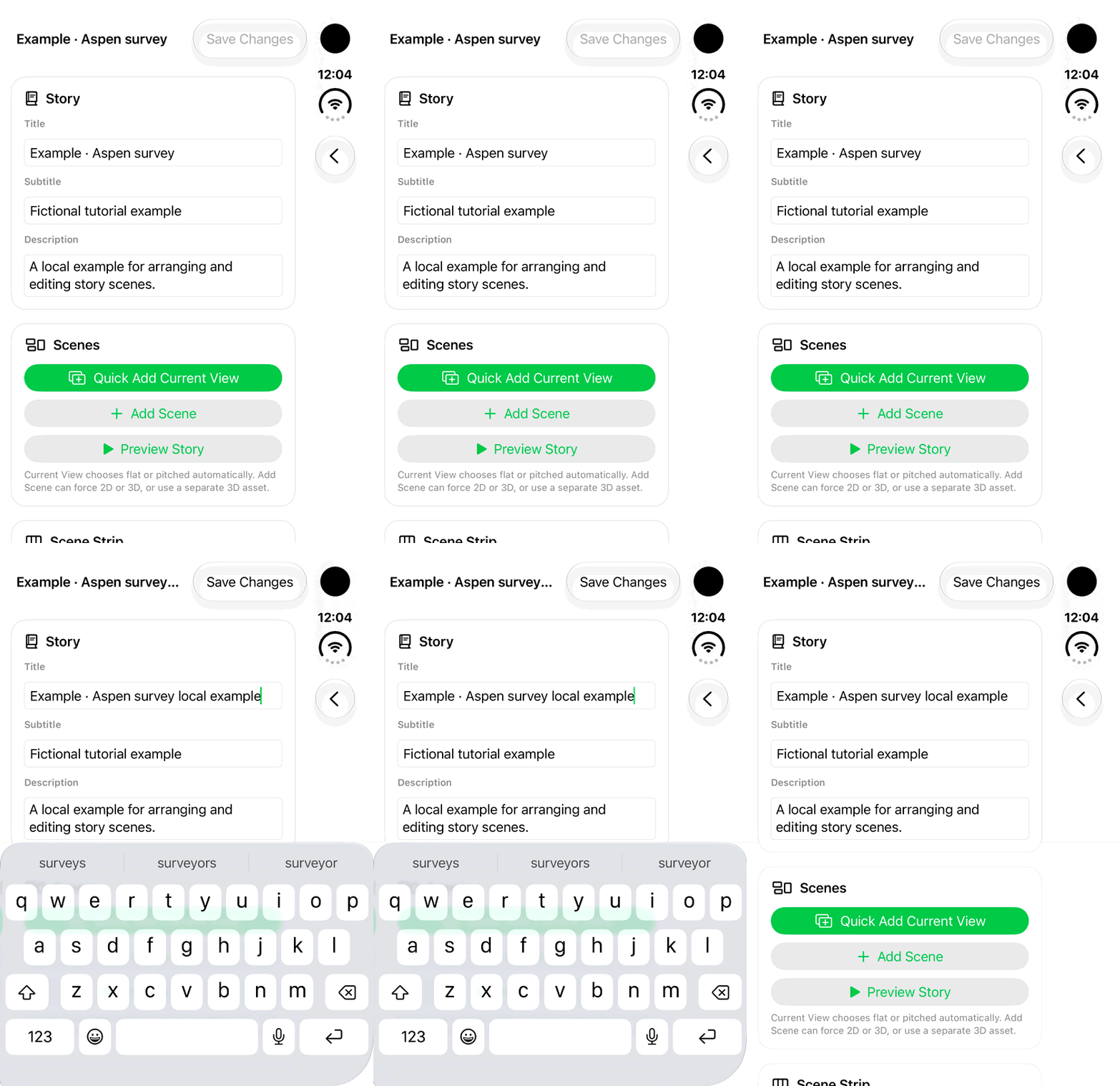
Walkthrough paused.
Follow the written steps or select Play walkthrough to watch the example.
iPhone Duo: edit the title of a fictional local Story Map draft. Save Changes, scene capture and story playback are not demonstrated.Open the looping GIF
Follow along
One step at a time.
Turn a selected land and saved map views into a guided sequence of scenes.
Start with an editable land
Select the land pin or shape and use Create for notes, media, text, drawings or links.
Create the story
Open Map Source → Story Maps → Create Story Map or +. Give the story a title.
Add and edit scenes
Use Quick Add Current View or Add Scene. Add each scene’s title and Body, choose visible content and adjust timing.
Arrange and preview
Use Move Earlier or Move Later in the Scene Strip, tap Save Changes, then Preview Story.