
Record Traditional Knowledge responsibly
Land records
Begin with community authority and the agreed purpose. iLands provides recording tools; the people and communities concerned determine what may be documented and shared.
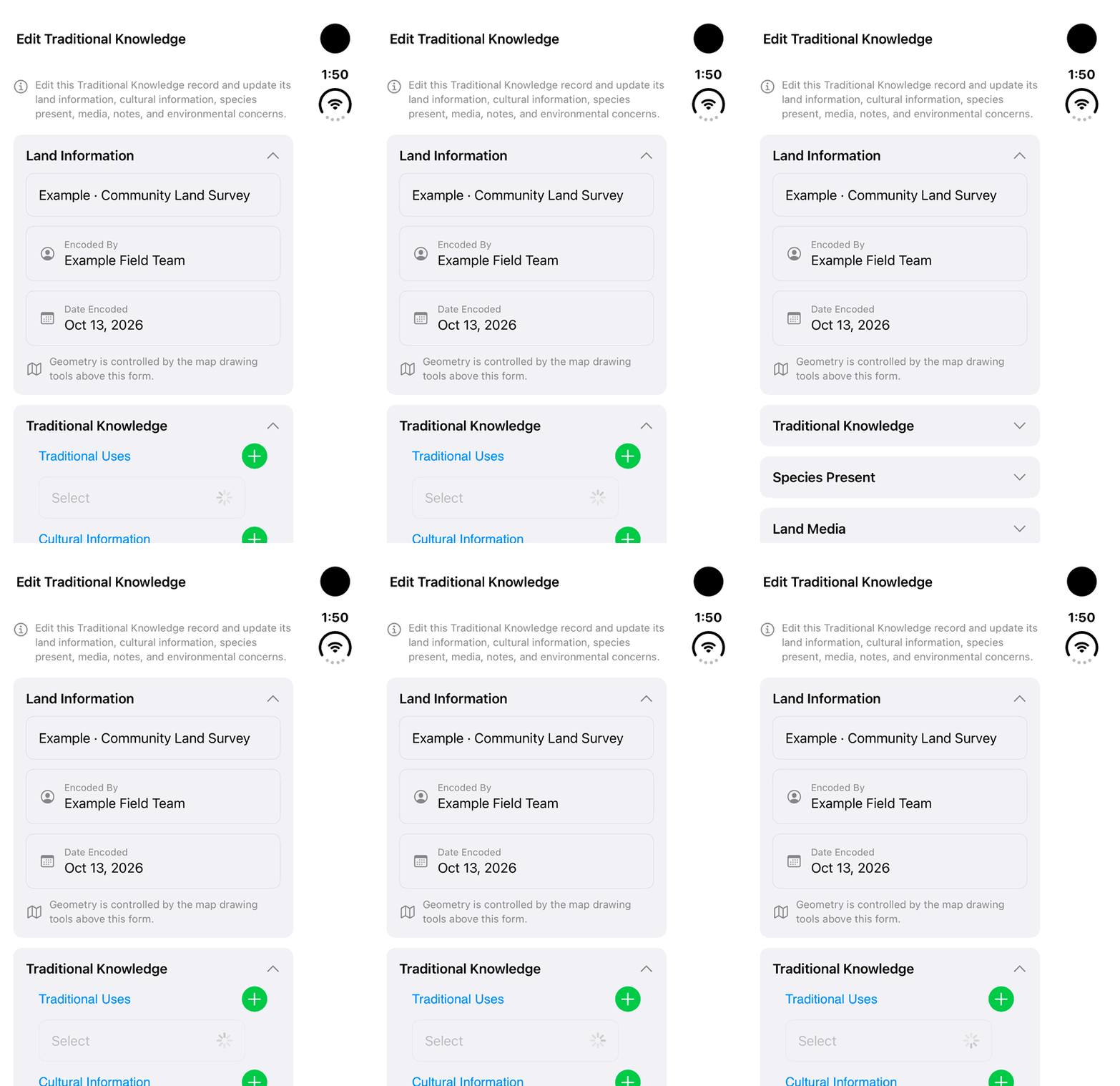
Walkthrough paused.
Follow the written steps or select Play walkthrough to watch the example.
Watch the Traditional Knowledge section open in a fictional example. Follow the steps with community authority, permissions and appropriate stewardship in place.Open the looping GIF
Follow along
One step at a time.
Begin with community authority and the agreed purpose. iLands provides recording tools; the people and communities concerned determine what may be documented and shared.
Begin with the agreed purpose
Agree what may be documented, the location detail and authorized recipients. Digital records can support continuity when context, revisions and access are maintained under community direction.
Choose Traditional Use
Open Lands → Add Land → Traditional Use. Choose Location, Line, Area or Track to match the authorized observation. Review the worksite geometry.
Complete the permitted fields
Enter the Land Name. Expand Traditional Knowledge and complete the relevant Traditional Uses, Cultural Information and Environmental Concerns fields using only authorized information.
Add context, then save
Attach permitted Land Media and add explanatory Notes. Review the content and geometry, then tap Save. A saved record can be reopened from Lands.
Review and maintain the record
Open the saved record and use Edit Information where your role permits. Review revisions and sync status; local saving does not confirm delivery to collaborators.
Share with the agreed recipients
The owner opens Share Access, chooses the intended user and Read Only or Can Edit permission. Review sensitive content and recipients before sharing or exporting a separate copy.