
Export Forms data for GIS
GIS files
Preserve response geometry, historical question context and original attachment evidence.
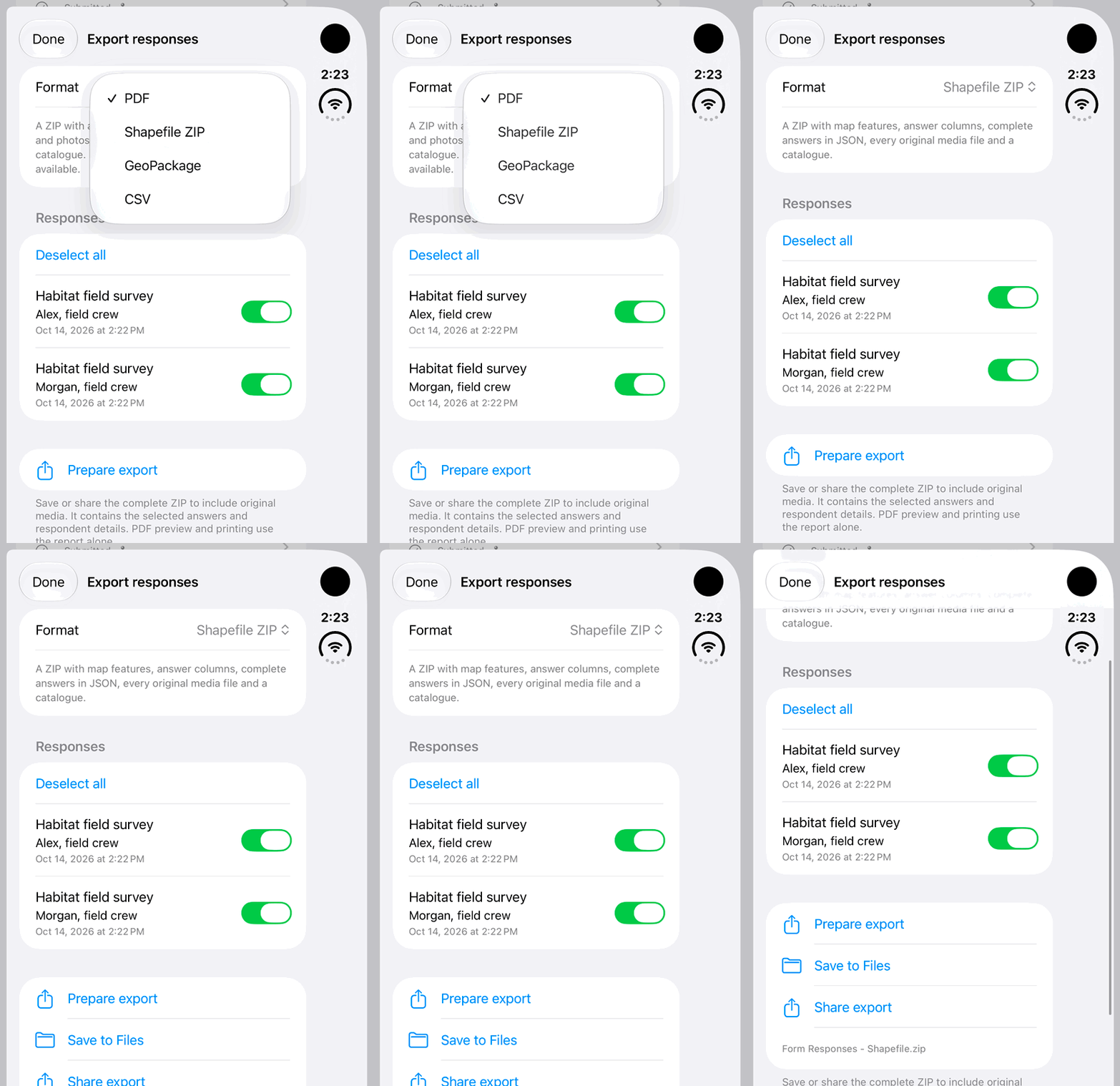
Walkthrough paused.
Follow the written steps or select Play walkthrough to watch the example.
Choose Shapefile ZIP for survey-form responses, then prepare the complete package locally. This fictional example stops before Save to Files or Share export.Open the looping GIF
Follow along
One step at a time.
Preserve response geometry, historical question context and original attachment evidence.
Select responses
Open the single or bulk response export sheet.
Choose GeoPackage or Shapefile ZIP
Choose the GIS format appropriate to the downstream application.
Prepare the export
Wait for package preparation and any authorized attachment downloads.
Keep the complete result
Save or share the full ZIP, preserving Data, Media and catalogues together.