
Close a form or manage access
Forms
Pause future collection while retaining saved responses.
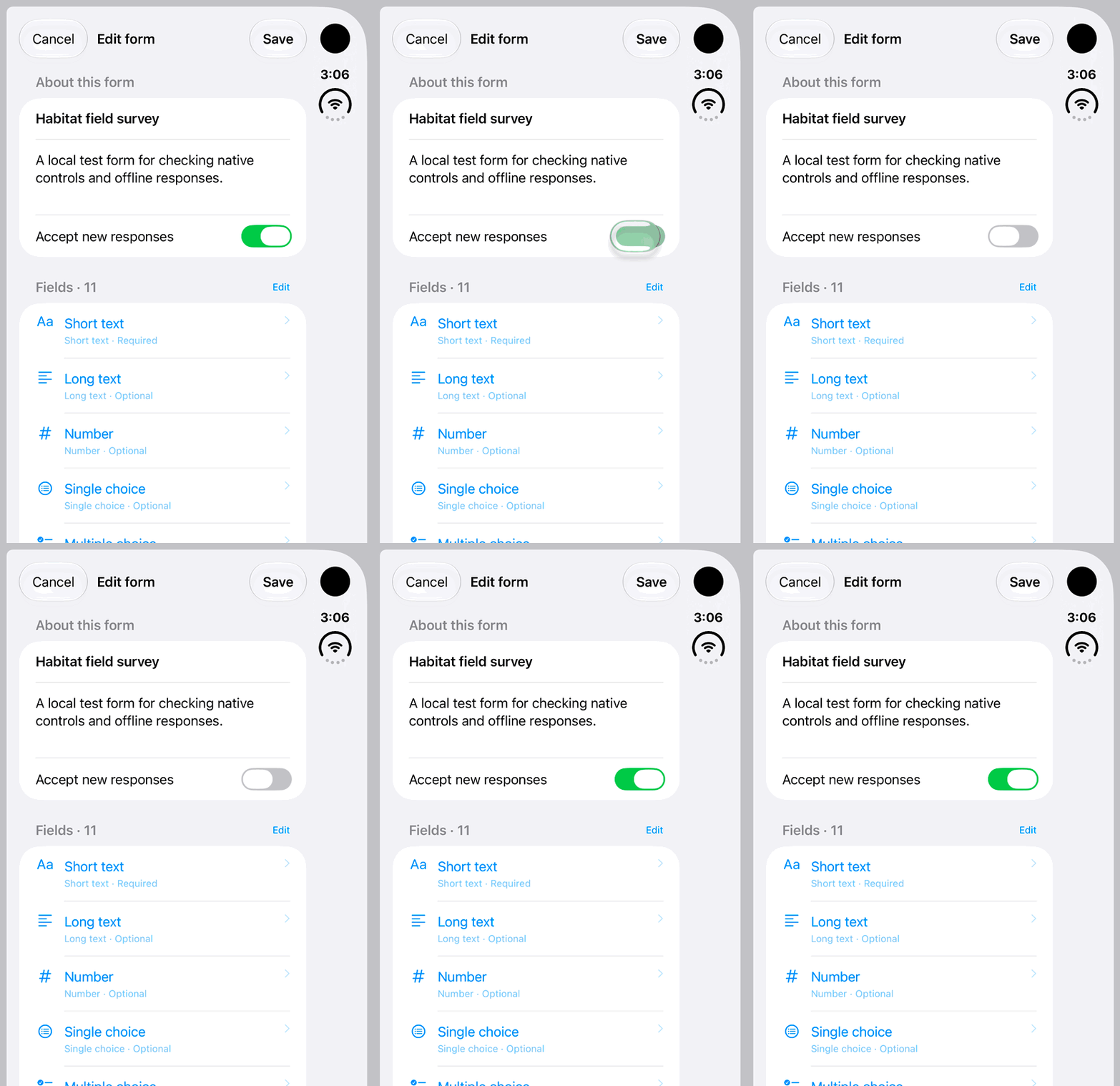
Walkthrough paused.
Follow the written steps or select Play walkthrough to watch the example.
iPhone Duo: find Accept new responses and switch it off and on. The example remains an unsaved draft; save your intended choice when managing your own form.Open the looping GIF
Follow along
One step at a time.
Pause future collection while retaining saved responses.
Open Manage form → Edit form
Only the form’s author manages collection.
Turn off Accept new responses
Save the changed setting.
Wait for sync
After the closure reaches the server, new responses and edits are prevented.
Manage a recipient separately
Removing recipient access prevents future answers and edits without deleting earlier submissions.