
Find the main features
Getting started
Use action labels to find the same tools across compact and wide layouts.
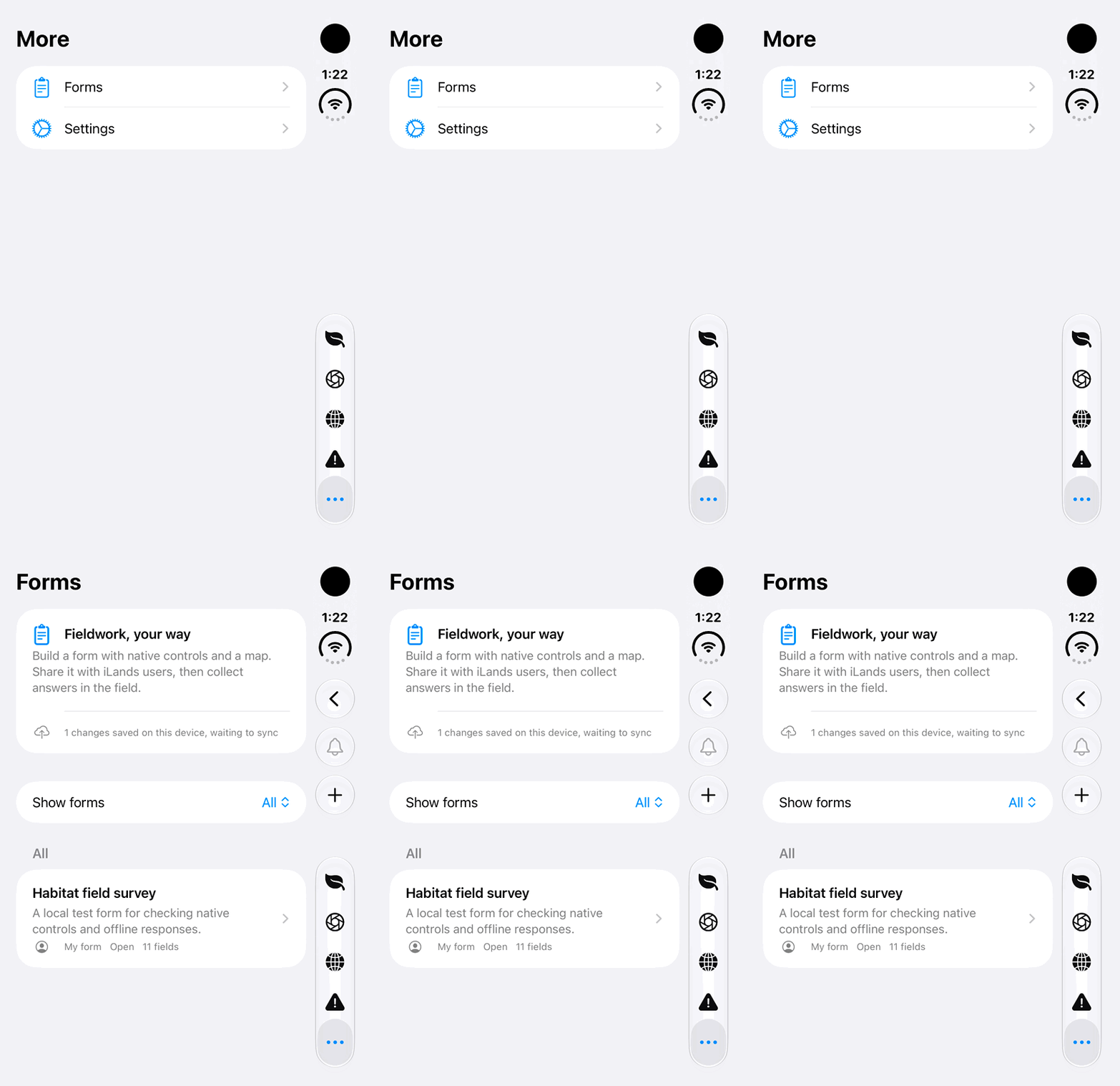
Walkthrough paused.
Follow the written steps or select Play walkthrough to watch the example.
iPhone Duo: open Forms from the More destinations list. Settings is listed but not opened; no form edit or cloud action is performed.Open the looping GIF
Follow along
One step at a time.
Use action labels to find the same tools across compact and wide layouts.
Open a main tab
Use Lands, Field Cameras, Map or Hazards in the bottom navigation.
Find Forms and Settings
On compact iPhone layouts, open More. Wider layouts show Forms and Settings directly.
Find secondary actions
Open the ellipsis menu when a tool is not displayed as a separate button.
Replay the introduction
Open Settings → General → Take a Tour.