
Create a Cutblock record
Land records
Record the harvest context, regeneration observations, supporting media and notes for a cutblock.
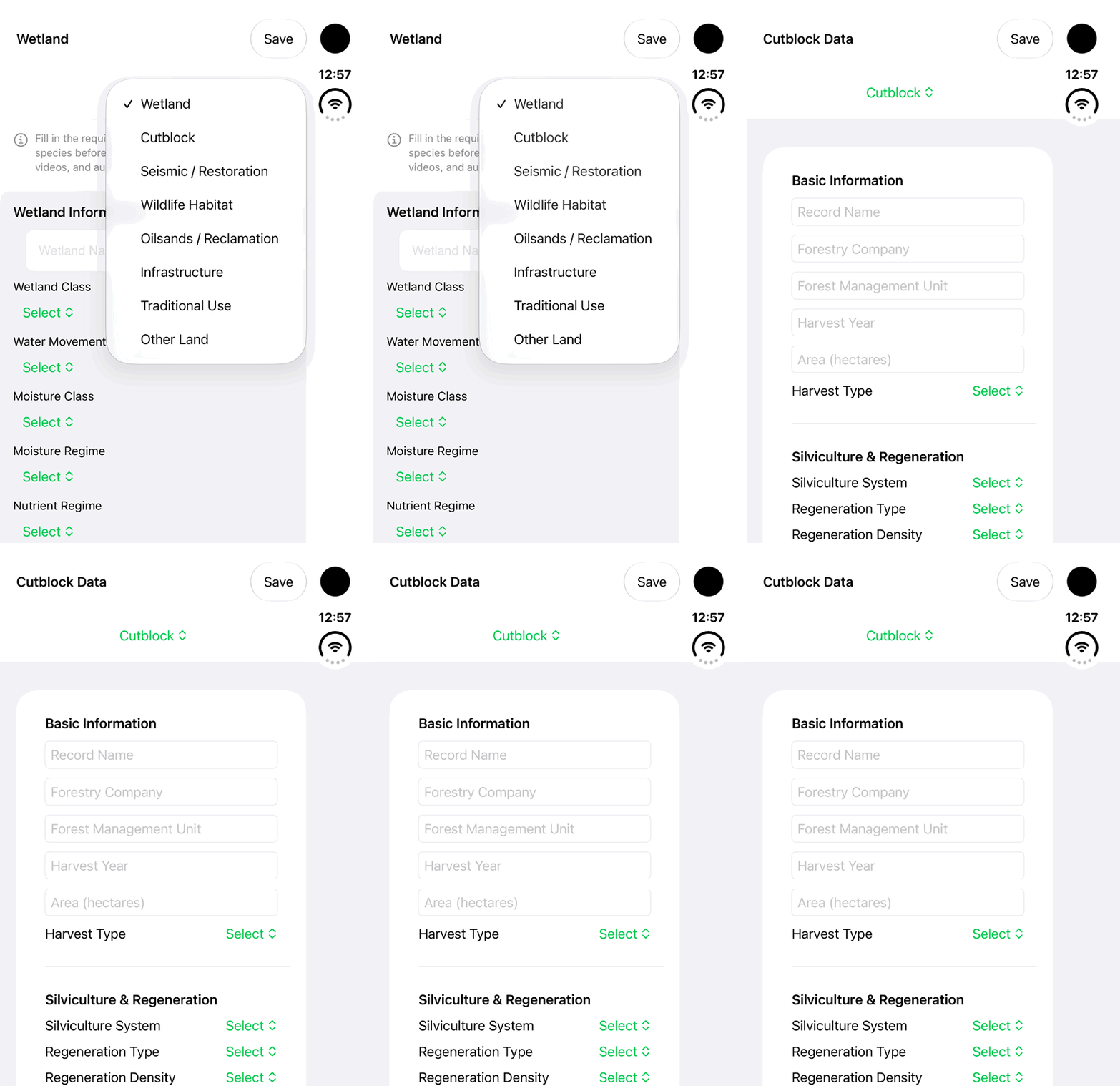
Walkthrough paused.
Follow the written steps or select Play walkthrough to watch the example.
iPhone Duo: select Cutblock and review its empty Basic Information fields. This is an initial setup excerpt; no Save, reopening, persisted record or completed assessment is demonstrated.Open the looping GIF
Follow along
One step at a time.
Record the harvest context, regeneration observations, supporting media and notes for a cutblock.
Choose the module
Open Lands → Add Land → Cutblock.
Complete the available sections
Enter the displayed required fields and observed information. Review Basic Information, Silviculture & Regeneration, Cutblock Condition.
Add context
Use available species observations, permitted media and Notes.
Save and verify
Tap Save after completing required fields. Reopen the saved record and review its status and available indicator explanations.