
Change appearance, language or tour
Settings
Choose the presentation that fits your device and replay the introduction when needed.
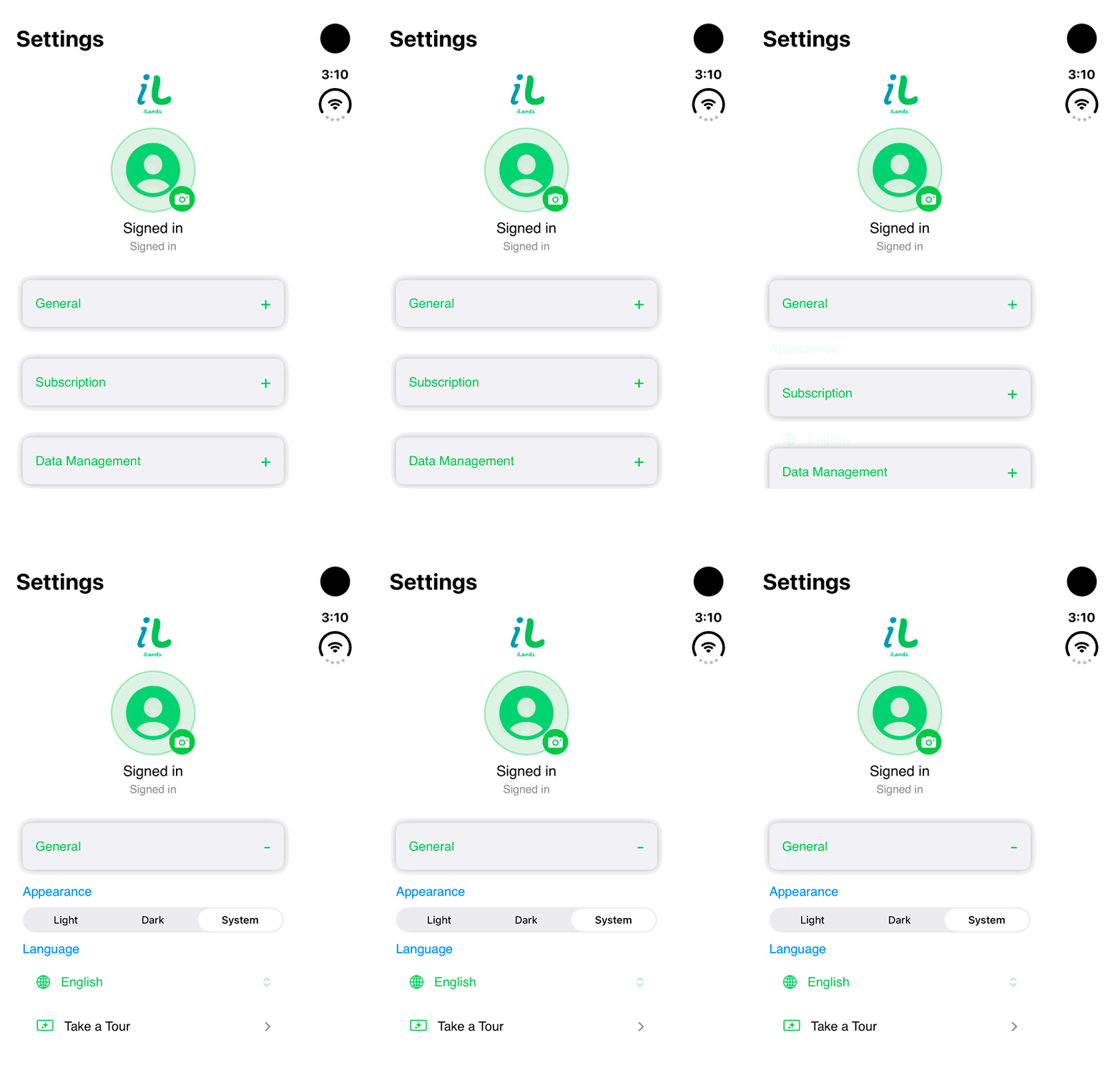
Walkthrough paused.
Follow the written steps or select Play walkthrough to watch the example.
iPhone Duo: open General to find Appearance, Language and Take a Tour. This loop shows the controls without changing settings.Open the looping GIF
Follow along
One step at a time.
Choose the presentation that fits your device and replay the introduction when needed.
Open Settings
On compact layouts choose More → Settings.
Open General
Choose Light, Dark or System in Appearance.
Choose Language
Select English or Français canadien.
Replay onboarding
Use Take a Tour to open the introductory tour again.