
Find records on the map
Maps and stories
Search accessible lands and cameras, then inspect their geographic context.
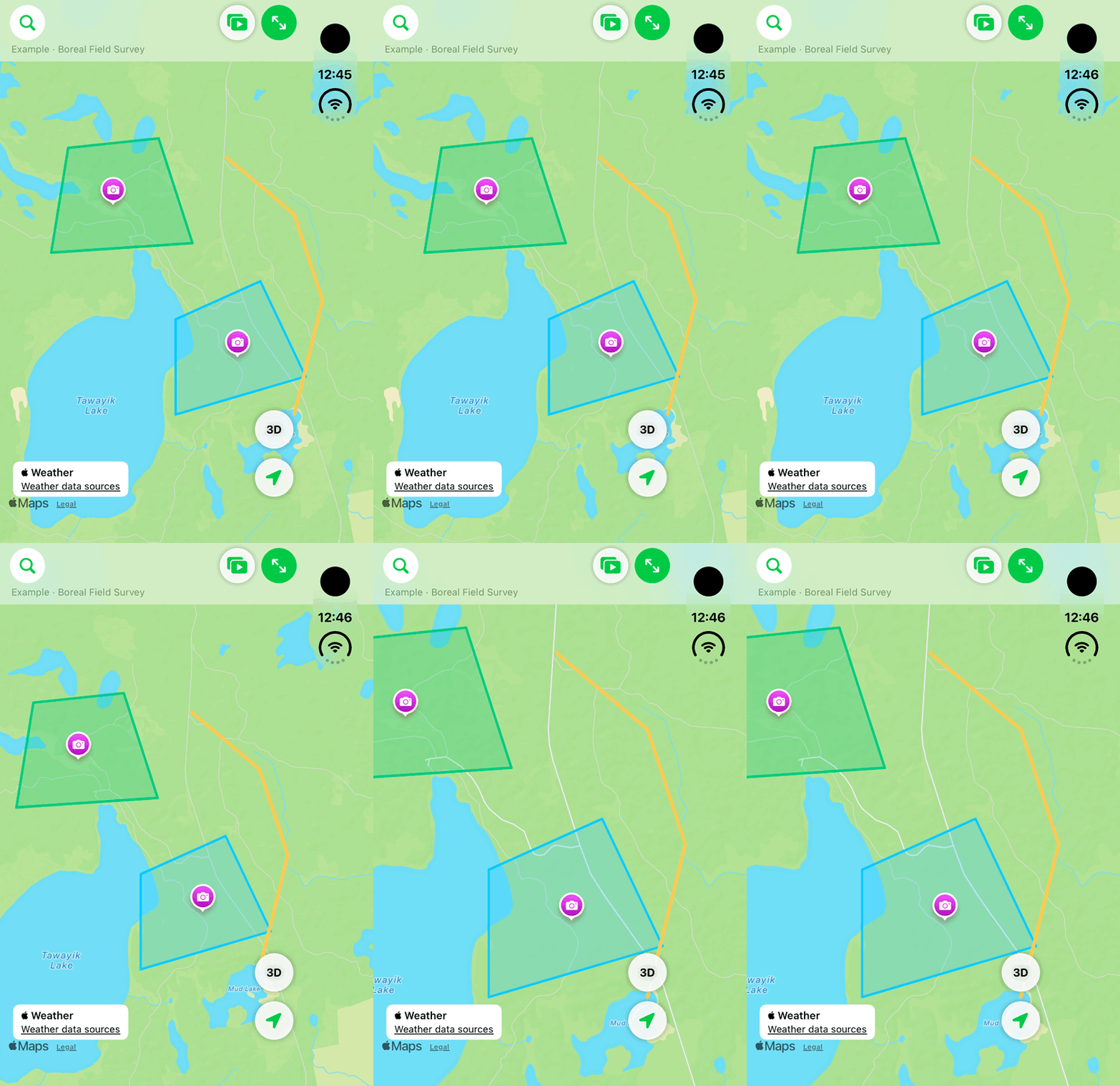
Walkthrough paused.
Follow the written steps or select Play walkthrough to watch the example.
iPhone Duo: pan a fictional native shared map and use Fit All to adjust the view. No live account record, source import or marker-detail selection is demonstrated.Open the looping GIF
Follow along
One step at a time.
Search accessible lands and cameras, then inspect their geographic context.
Open Map
Use Map to see the records available to the signed-in account.
Search or filter
Search for a land or camera, or choose the available map filter.
Inspect a feature
Tap a marker, line or area to open its details.
Return to the full view
Use Fit All Pins to fit displayed records and Map Layers to adjust visibility.