
Choose a land module
Land records
Choose the record type that fits the field observation before entering its information.
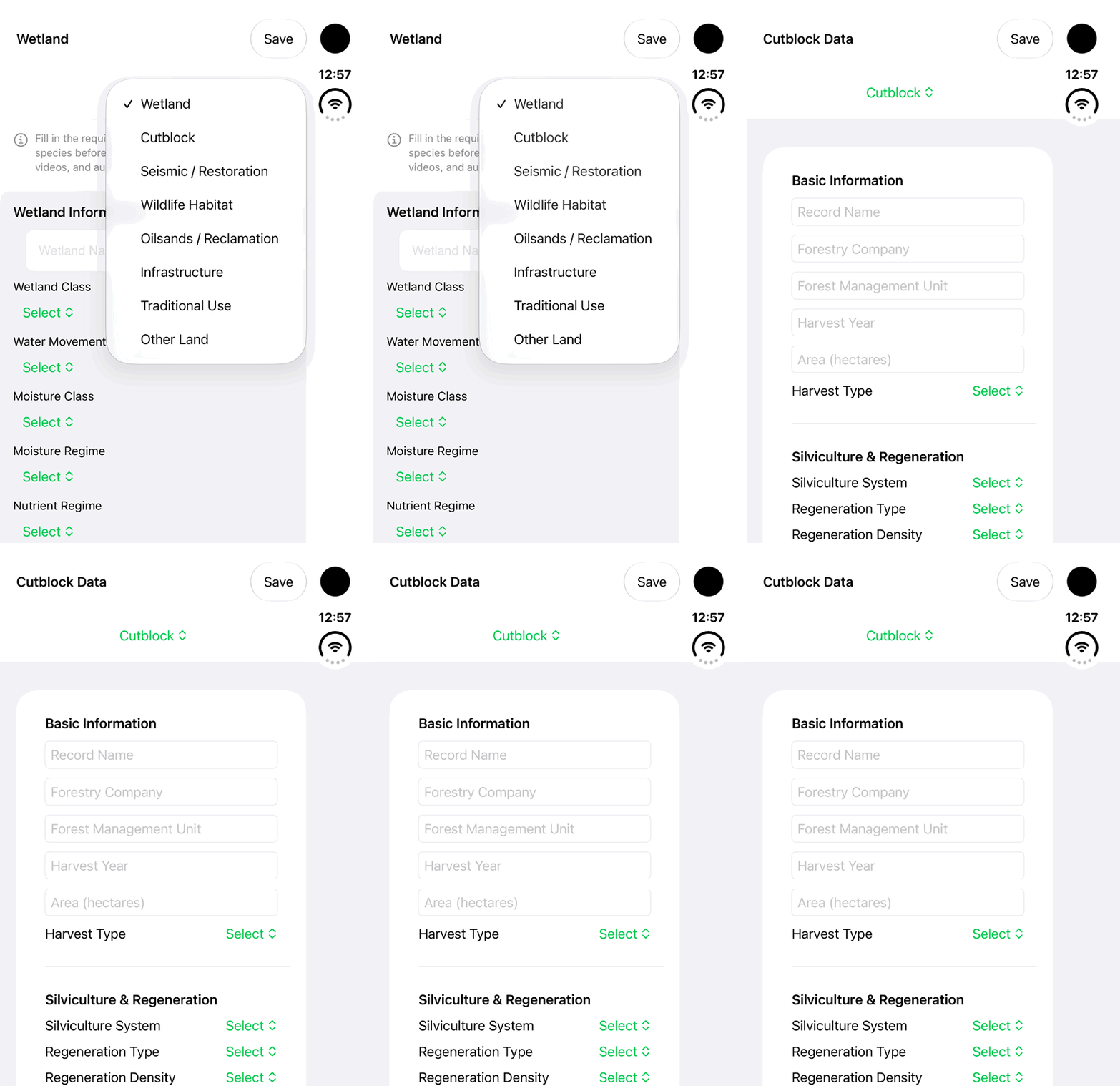
Walkthrough paused.
Follow the written steps or select Play walkthrough to watch the example.
iPhone Duo: choose Cutblock from the land-module menu and inspect its empty Basic Information fields. No data entry, Save, completed assessment or persisted record is demonstrated.Open the looping GIF
Follow along
One step at a time.
Choose the record type that fits the field observation before entering its information.
Start Add Land
Open Lands → More Land Actions → Add Land.
Choose the module
Select Wetland, Cutblock, Seismic / Restoration, Wildlife Habitat, Oilsands / Reclamation, Infrastructure, Traditional Use or Other Land as shown in your build.
Choose geometry
Use Location, Line, Area or Track to fit the observation.
Review available actions
Complete the displayed fields and use only the actions enabled in the installed build.