
Review Browser Map Links access
GIS files
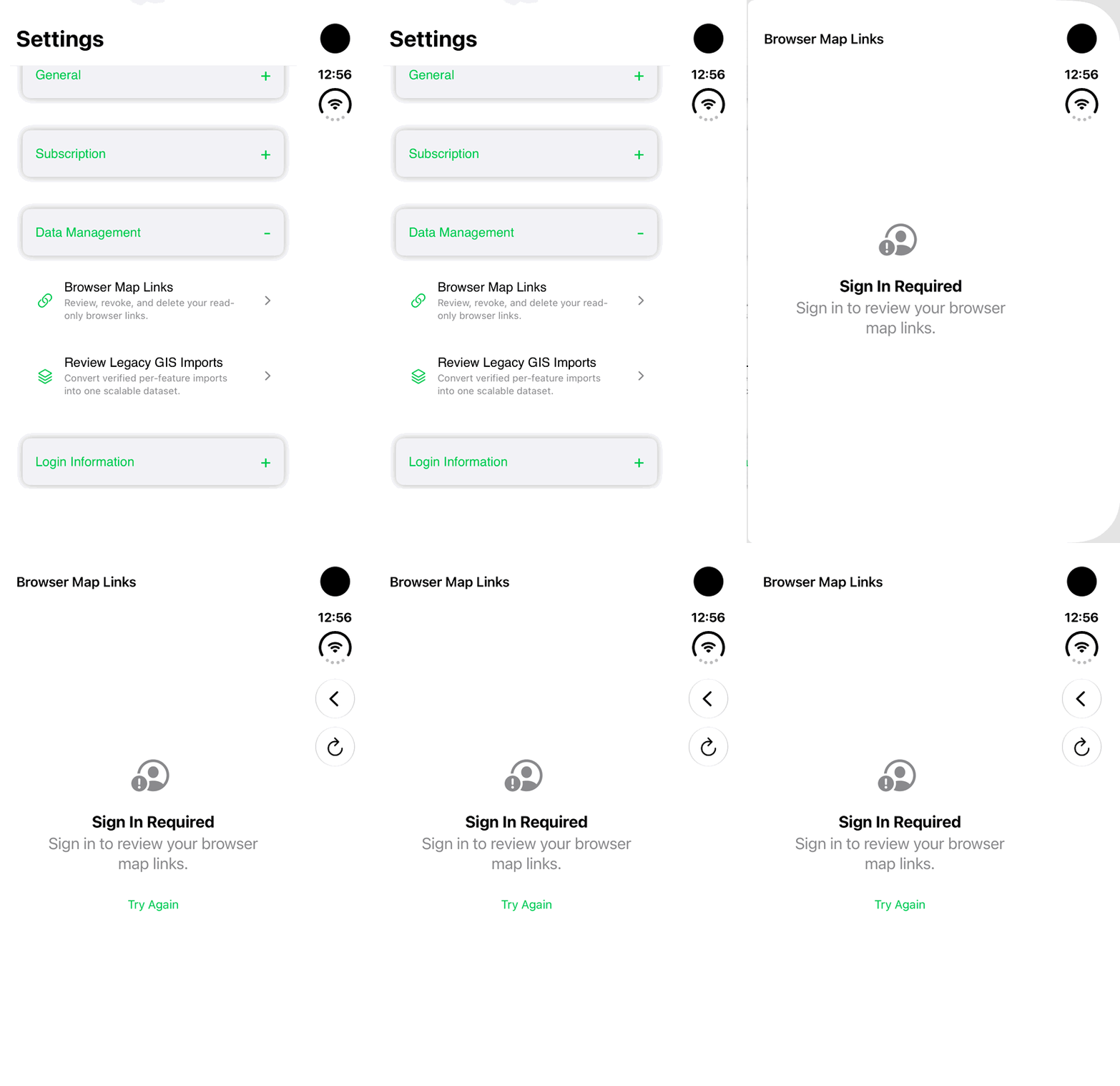
Find Browser Map Links in Settings and review its access requirement. This walkthrough stops at Sign In Required.
Walkthrough paused.
Follow the written steps or select Play walkthrough to watch the example.
iPhone Duo: find Browser Map Links in Settings and review its Sign In Required state. No sign-in, link publication, existing-link viewing, revocation, deletion or retry is demonstrated.Open the looping GIF
Follow along
One step at a time.
Find Browser Map Links in Settings and review its access requirement. This walkthrough stops at Sign In Required.
Open Data Management
In Settings, expand Data Management and find Browser Map Links.
Review the access requirement
Open Browser Map Links and read the displayed state. The signed-out example shows Sign In Required; no account login is performed.
Check build availability
New hosted Browser Map Link publishing is unavailable in the checked 1.1.6 (465) build. Do not treat this screen as proof that a link has been published.
Use an available portable copy
Where permitted, save a separate .ilmap file and open it in iLands. That file workflow is explained in the related map-file guide; it is not demonstrated here.