
Share camera viewing access
Collaboration
Invite an existing user to view a camera while owner management remains separate.
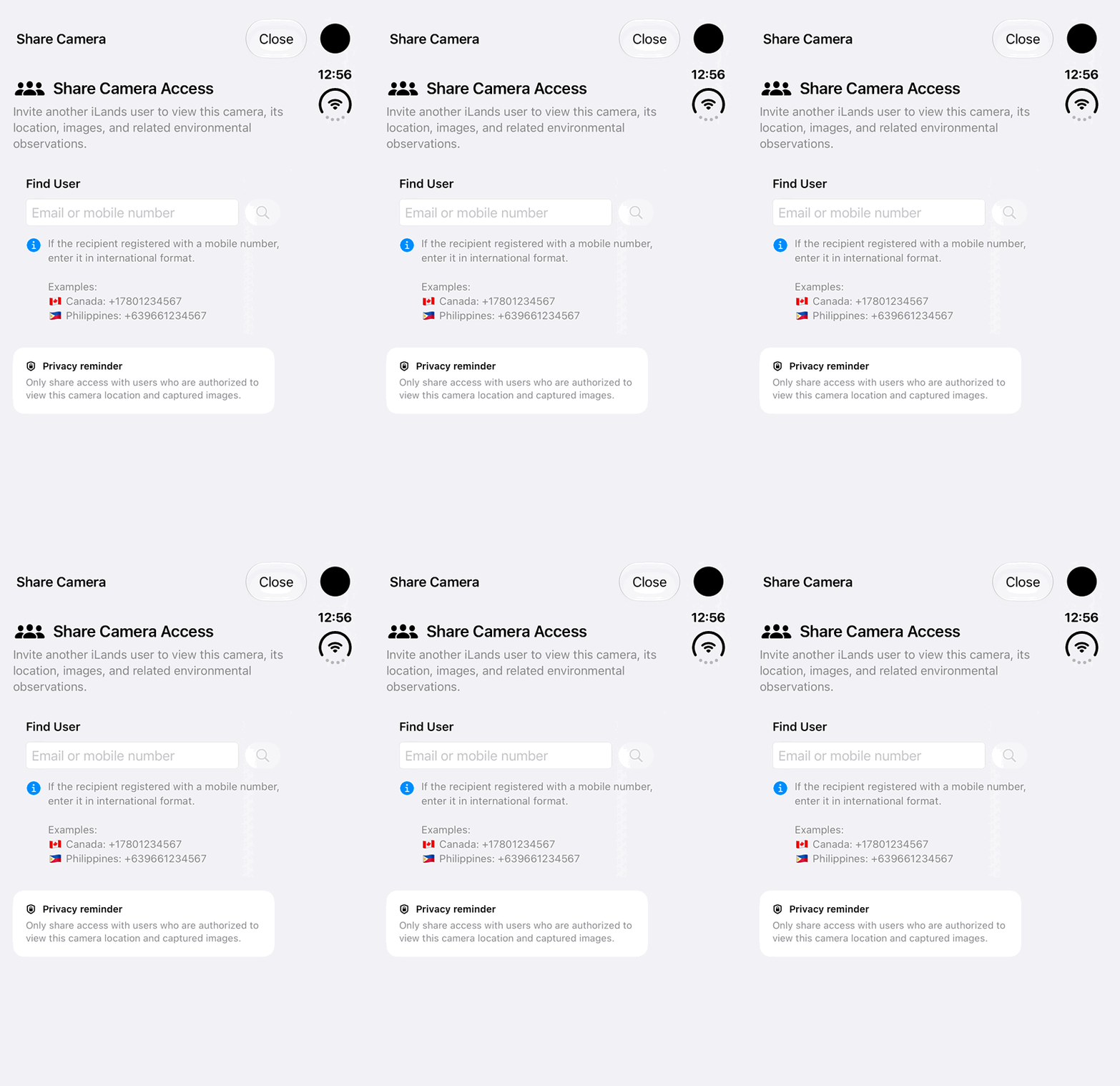
Walkthrough paused.
Follow the written steps or select Play walkthrough to watch the example.
iPhone Duo: review the empty Find User field and privacy reminder in Share Camera Access. No recipient lookup, selection, invitation or permission change is performed; displayed phone numbers are labelled product-format examples.Open the looping GIF
Follow along
One step at a time.
Invite an existing user to view a camera while owner management remains separate.
Open Camera Actions
The owner opens the camera and chooses Share Camera Access.
Invite the intended user
Find the existing user and confirm the invitation.
Accept access
The recipient opens Pending Shared Camera Access from Field Cameras and accepts.
Manage access deliberately
The owner reviews recipients or removes access when needed.