
Share live land access
Collaboration
Grant access to a live record separately from sending someone an exported file.
Walkthrough paused.
Follow the written steps or select Play walkthrough to watch the example.
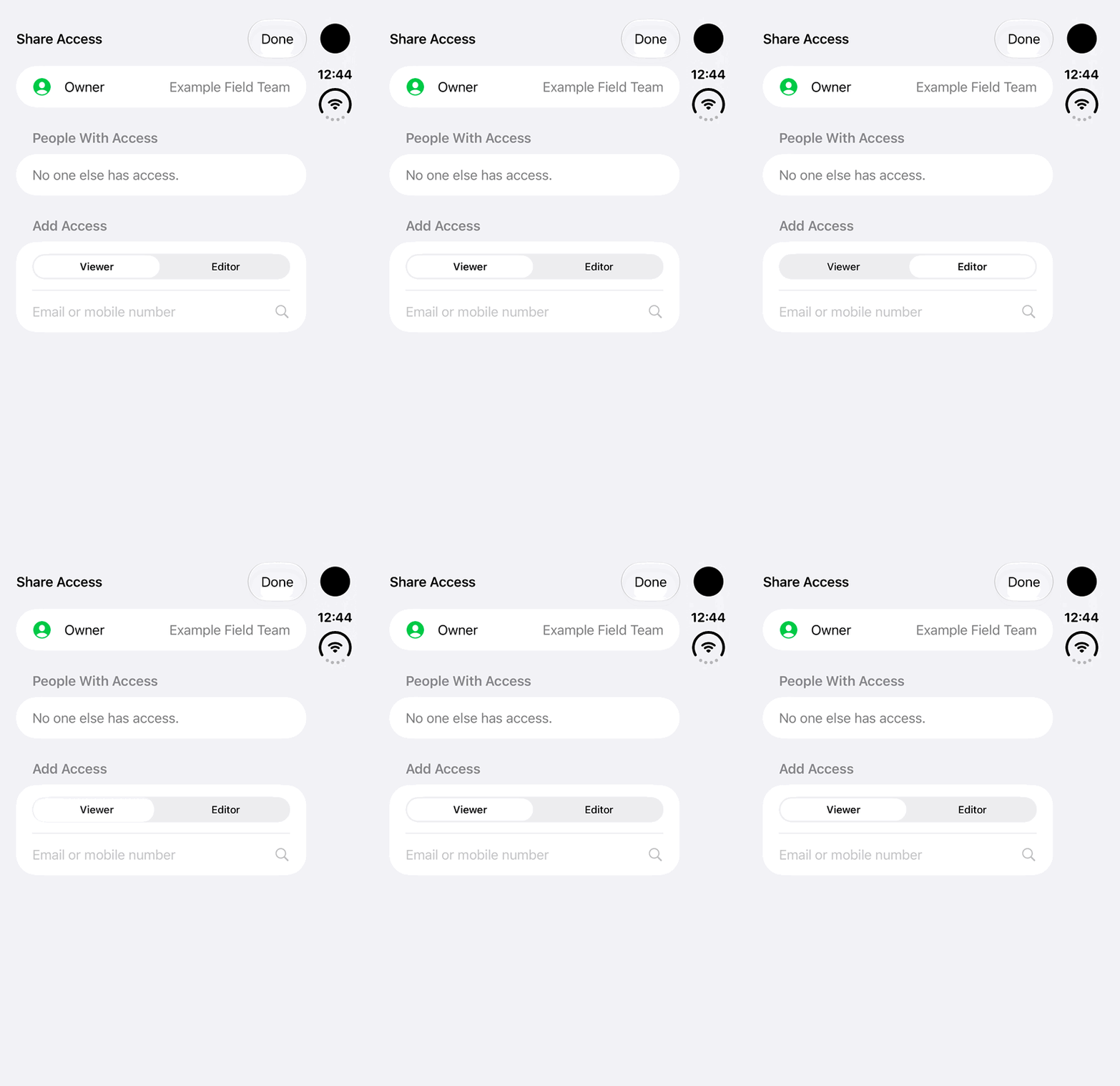
iPhone Duo: compare Viewer and Editor choices in Share Access, then return to Viewer. The recipient field stays empty; no lookup, invitation or access change is performed.Open the looping GIF
Follow along
One step at a time.
Grant access to a live record separately from sending someone an exported file.
Open Share Access
The owner opens a Wetland, Traditional Knowledge or Other Land record and chooses Share Access.
Choose the recipient and role
Select the intended existing user and Read Only or Can Edit permission.
Accept the invitation
The recipient accepts or declines. Can Edit also requires appropriate account access.
Review ongoing access
The owner reviews permissions. Where available, Changes shows synced edits; review sync and recipients before sharing sensitive content.