
Connect Reconyx image delivery
Field cameras
Verify camera service and exact serial matching before checking successful delivery into iLands.
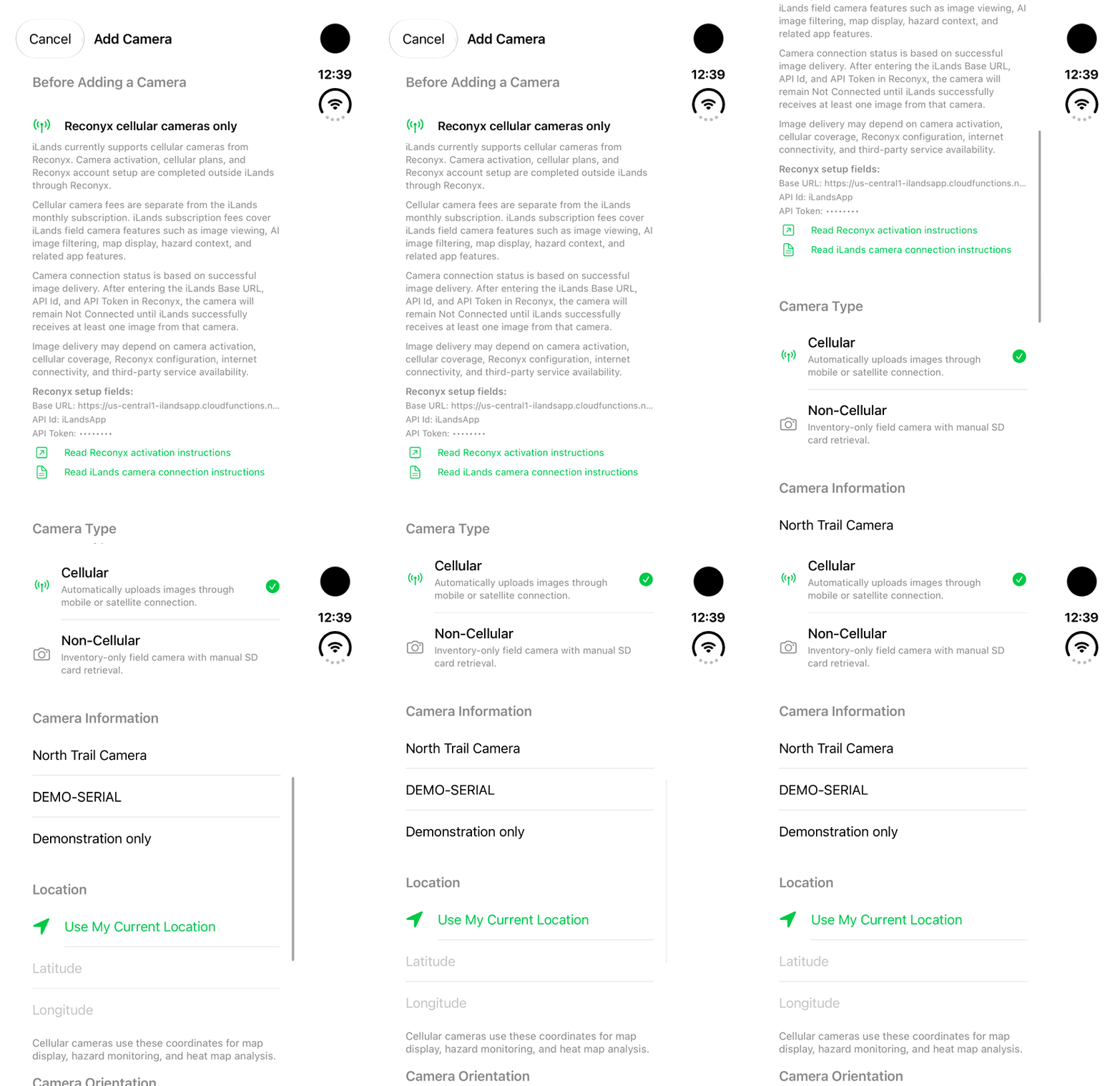
Walkthrough paused.
Follow the written steps or select Play walkthrough to watch the example.
iPhone Duo: review Before Adding a Camera instructions, then scroll to camera type and information fields for a fictional camera. No activation, token copy, live delivery, location request or Save is demonstrated.Open the looping GIF
Follow along
One step at a time.
Verify camera service and exact serial matching before checking successful delivery into iLands.
Activate the source camera
Activate the camera and its service with Reconyx and confirm a new image can arrive there.
Register the same serial
Use the exact camera serial number in iLands.
Copy current setup fields privately
In Before Adding a Camera, use the current Base URL, API Id and API Token and put each into the matching Reconyx forwarding setting.
Send a new image
Save forwarding and send a new image. Verify arrival in iLands before expecting Connected.