
Show or hide detection overlays
Field cameras
Control visual overlays independently without changing counts or original image bytes.
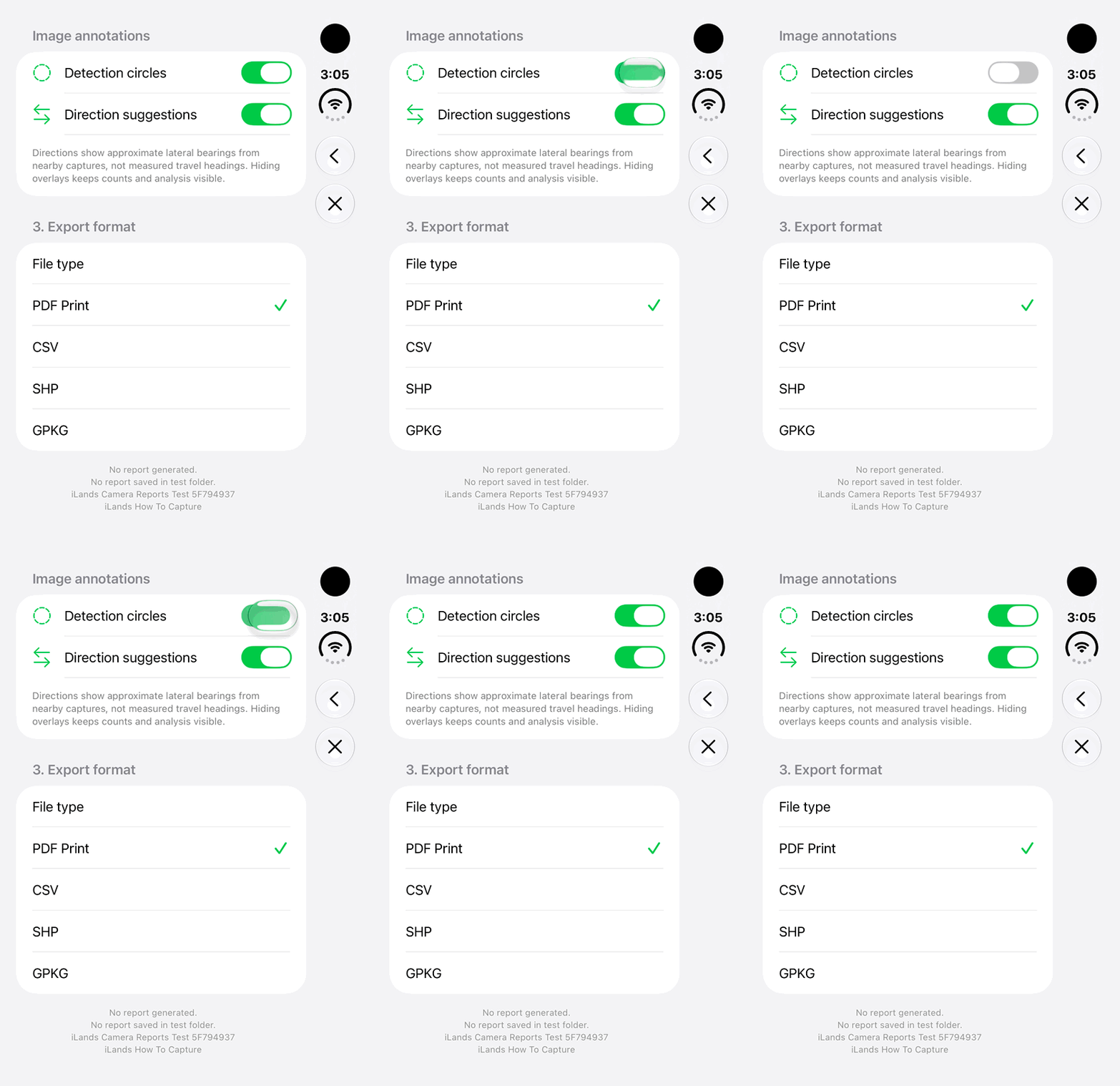
Walkthrough paused.
Follow the written steps or select Play walkthrough to watch the example.
iPhone Duo: switch Detection circles off and on in report options. Direction suggestions remain a separate control; no report is exported here.Open the looping GIF
Follow along
One step at a time.
Control visual overlays independently without changing counts or original image bytes.
Open an analyzed image
Use the completed camera summary or full-image Image overlays menu.
Set Detection circles
Turn outlines and numbered detection badges on or off.
Set Direction suggestions
Control arrows and compact direction labels separately.
Review export choices
Counts and written analysis remain available. Report exports use the overlay choices selected at Generate and Save.