
Generate field-camera reports
Reports
Carry dates, coverage, settings and selected image evidence into a reviewable report.
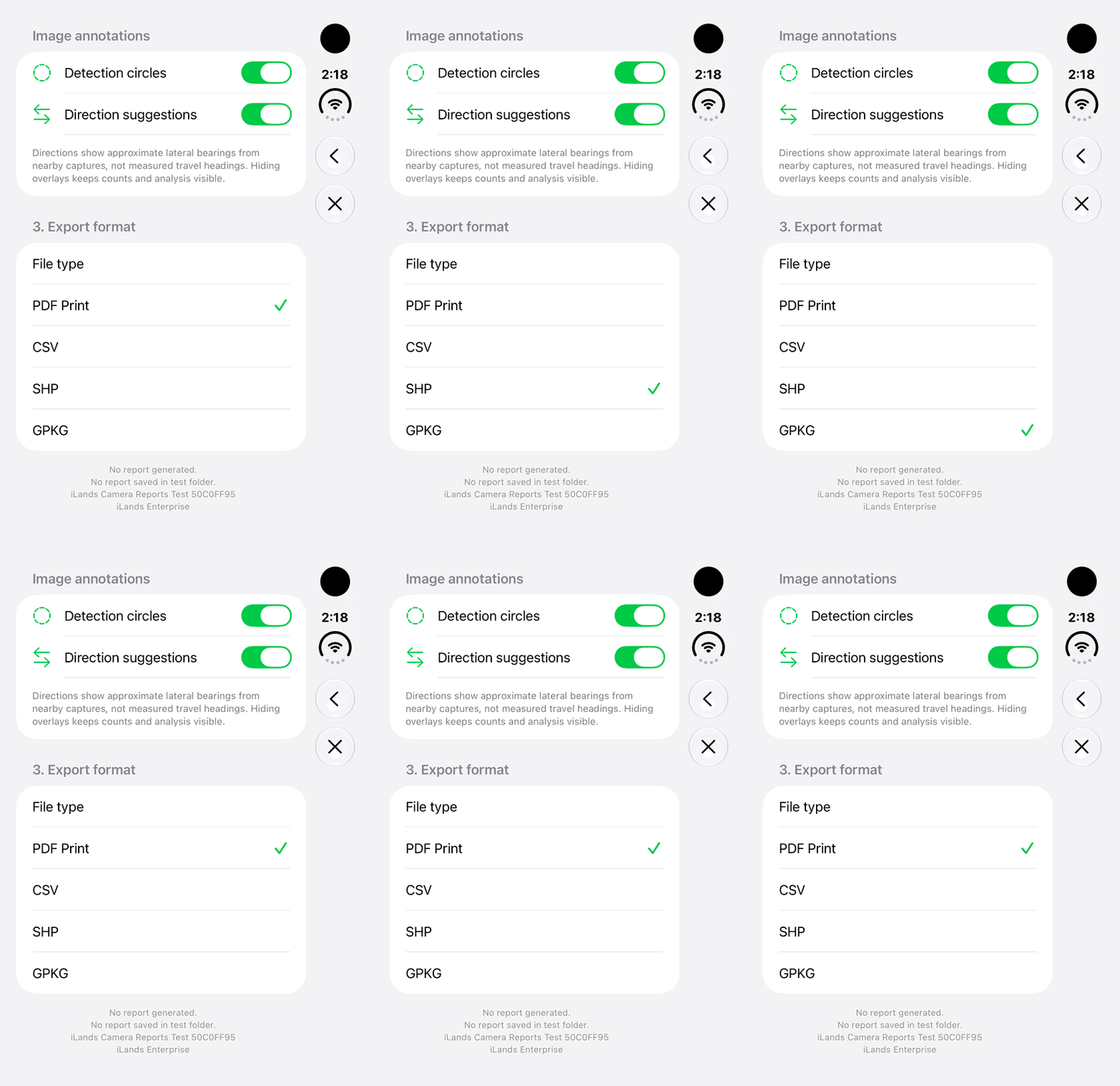
Walkthrough paused.
Follow the written steps or select Play walkthrough to watch the example.
Choose the report format: SHP, GeoPackage or PDF Print. This loop shows format selection only; it does not generate or share a report.Open the looping GIF
Follow along
One step at a time.
Carry dates, coverage, settings and selected image evidence into a reviewable report.
Open Generate Report
Use camera image actions and set dates, recount intervals and confidence.
Analyze the range
Tap Go and wait for complete coverage. Review all-category totals before selecting evidence.
Choose evidence and format
Select zero or more images, tap Continue, then choose PDF Print, CSV, SHP or GPKG.
Generate and Save
Set Detection circles and Direction suggestions, then tap Generate and Save. Preserve the complete package and original evidence.