
Sign in with email
Getting started
Use the same registration method and account address each time.
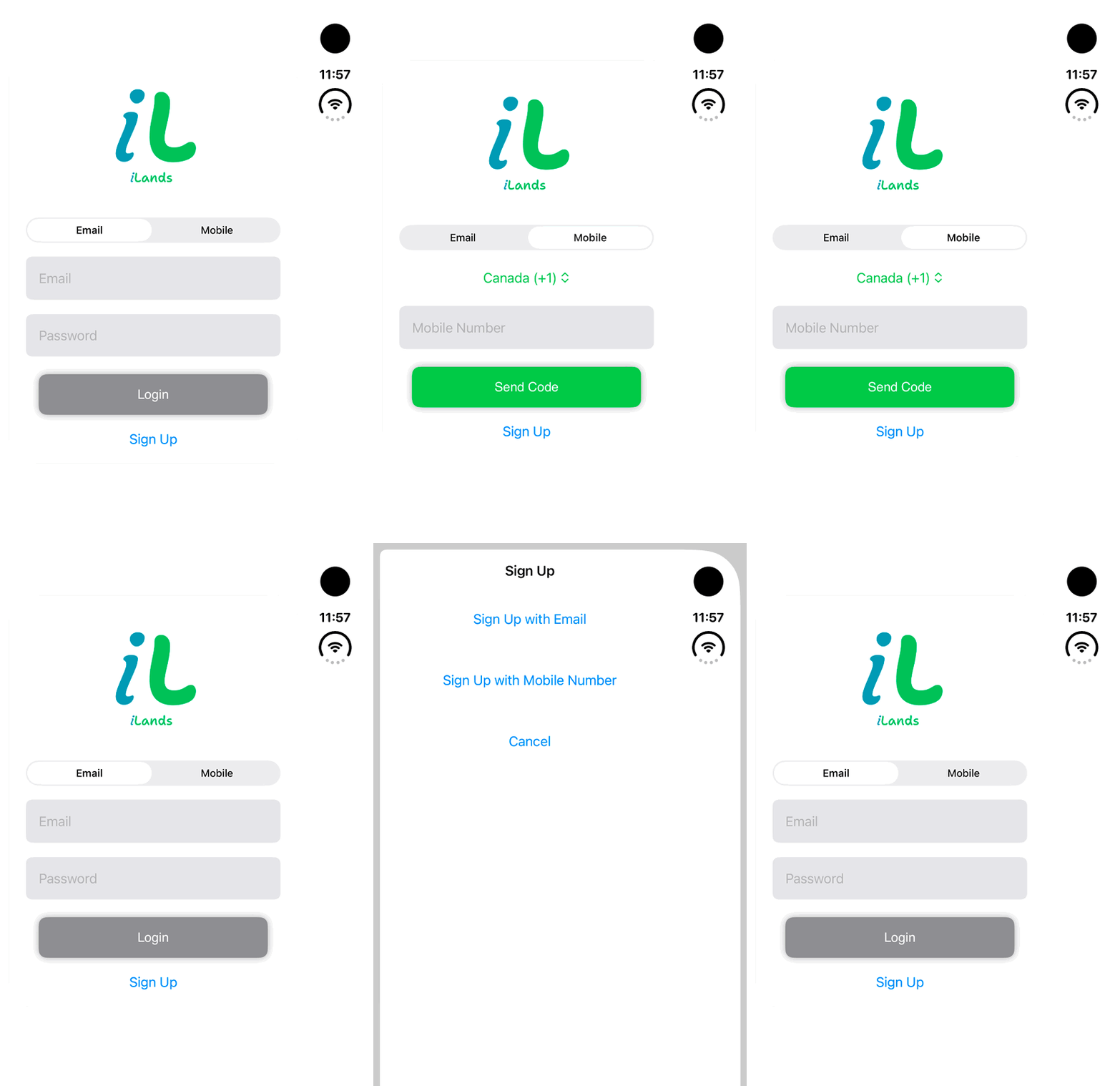
Walkthrough paused.
Follow the written steps or select Play walkthrough to watch the example.
iPhone Duo: switch between Email and Mobile sign-in and review Sign Up method choices. No credentials are entered, SMS requested, account created or login completed.Open the looping GIF
Follow along
One step at a time.
Use the same registration method and account address each time.
Choose Email
Open the Email tab on the sign-in screen.
Enter your credentials
Enter the registered email address and password, then tap the login button.
Complete verification
Follow any email-verification or profile prompt before entering the main app.
Resolve a rejected sign-in
Check the address and use the available recovery flow if the credentials are rejected.