
Field cameras
Save selected authorized images from one camera or across several cameras.
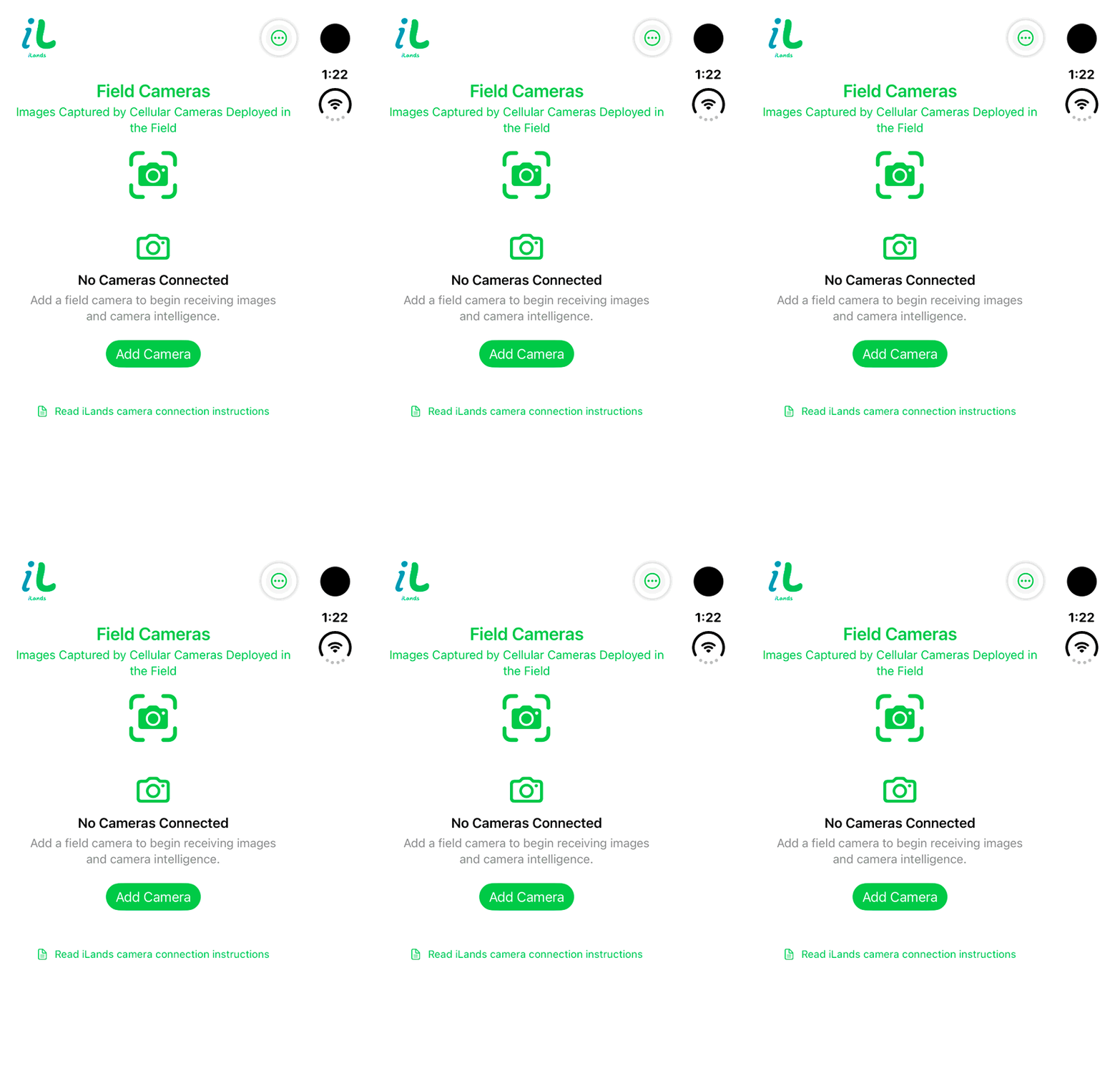
Walkthrough paused.
Follow the written steps or select Play walkthrough to watch the example.
iPhone Duo: recognize No Cameras Connected before attempting camera-image downloads. This is an initial prerequisite view; no camera connection, image selection, download or file save is performed.Open the looping GIF
Follow along
One step at a time.
Save selected authorized images from one camera or across several cameras.
Choose the scope
Open one camera for individual images, or Field Cameras → More Camera Actions → Bulk Image Download for several.
Select images or cameras
Choose the available cameras, date range, filtering or individual image selection as offered.
Download
Use the available Download action and wait for remote image retrieval if required.
Review the saved result
Confirm the intended images and destination before distributing copies.