
GIS files
Let a recipient explore a saved local package without an iLands account.
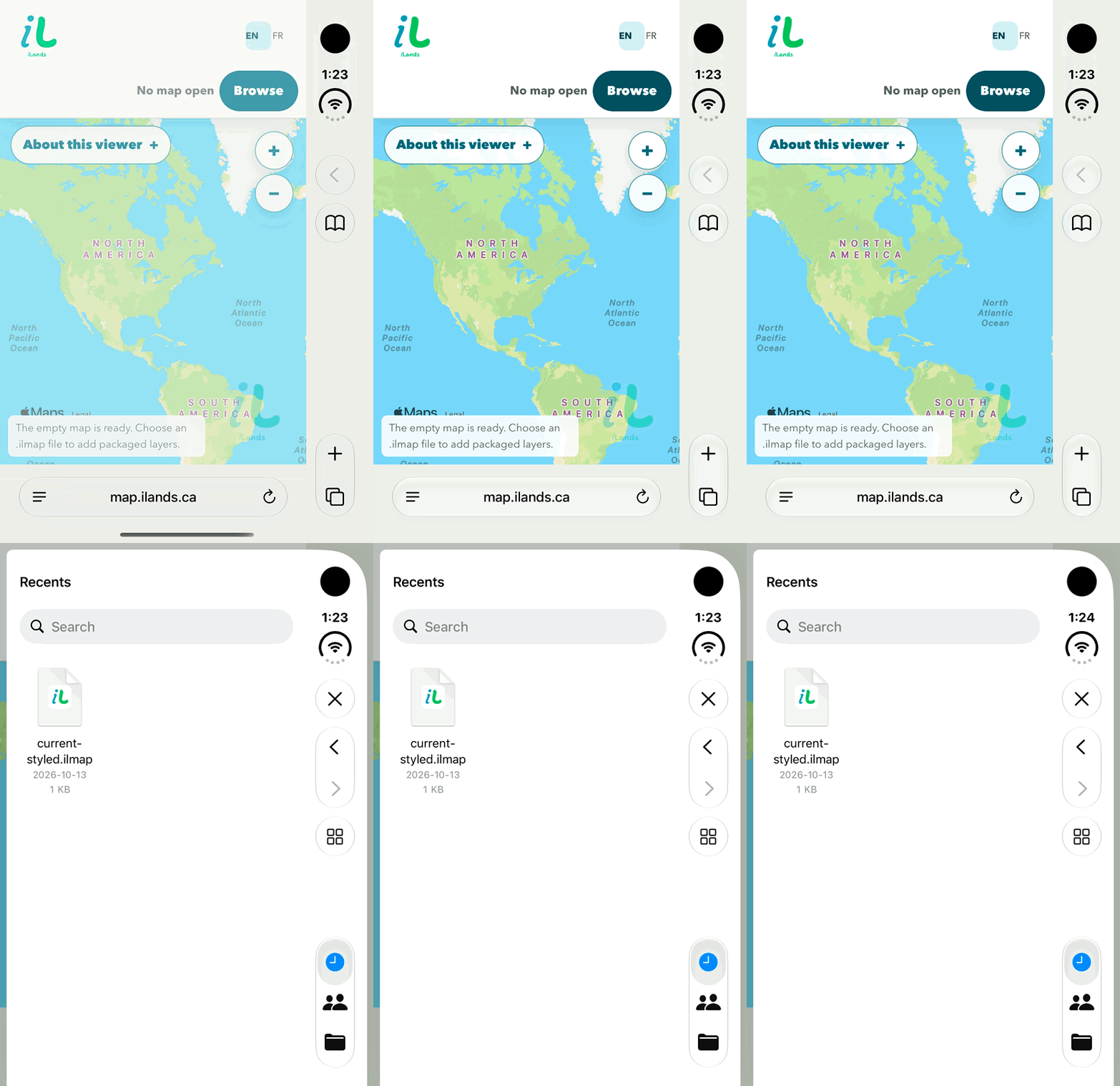
Walkthrough paused.
Follow the written steps or select Play walkthrough to watch the example.
iPhone Duo: open Browse in the actual Safari map.ilands.ca viewer to reach the native Files chooser. No .ilmap file is selected or loaded; no consent, login, upload or hosted link is created.Open the looping GIF
Follow along
One step at a time.
Let a recipient explore a saved local package without an iLands account.
Open map.ilands.ca
Use a compatible browser and choose Browse. Desktop users may also use Open or drag in one file.
Select the local file
Choose the .ilmap and wait while the viewer checks the package.
Explore included content
Inspect pins, lines, polygons, details and included media. Use Play Story Map when scenes are present.
Control playback and background
Use Play, Pause or Next scene. Review the privacy notice before enabling an optional online background map.