
Review Forms notifications
Forms
Open a notice to the currently authorized form or synced response.
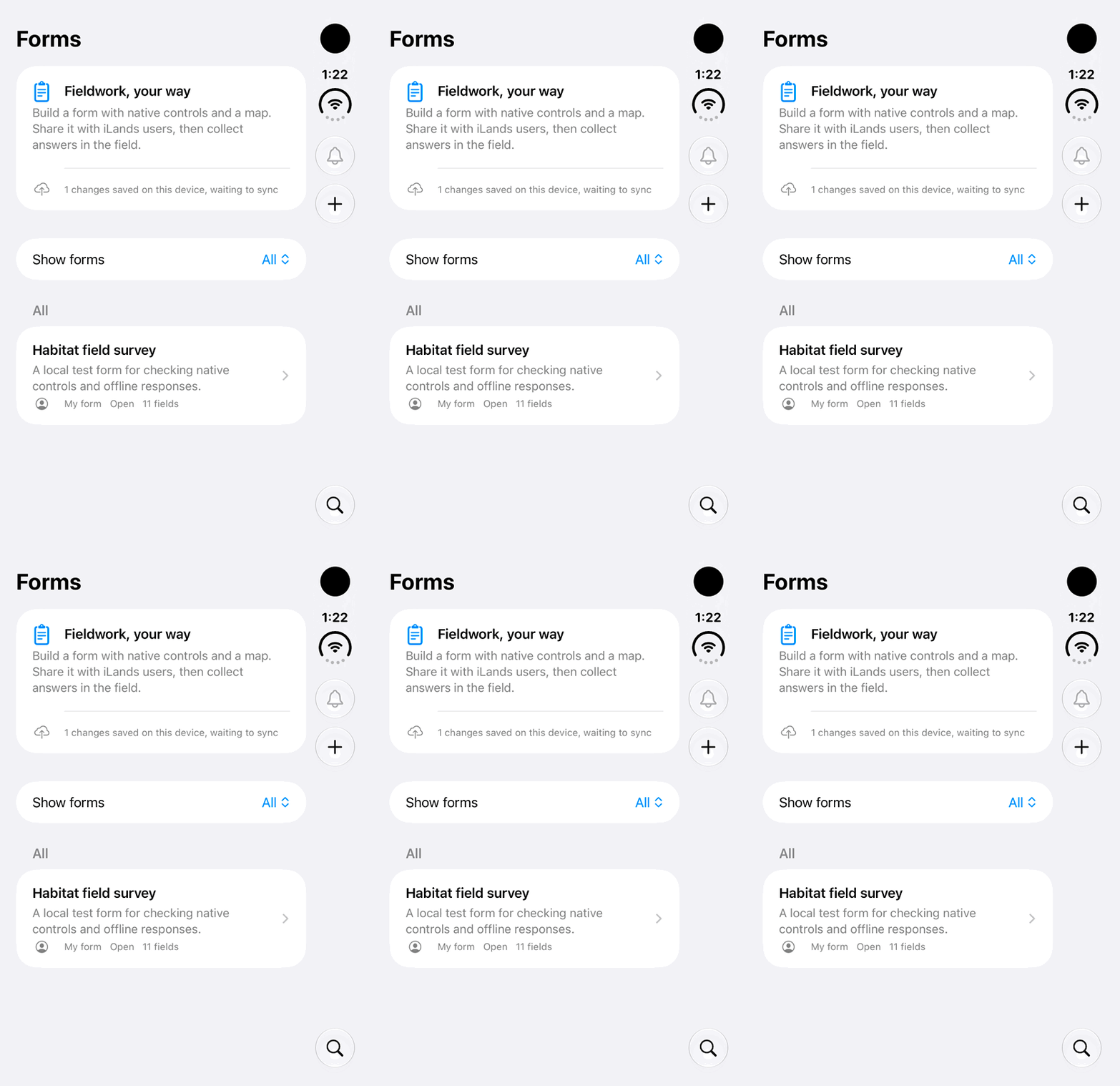
Walkthrough paused.
Follow the written steps or select Play walkthrough to watch the example.
iPhone Duo: locate the Forms notification bell in an example where it is unavailable. No inbox, received notification, mark-read action, notification navigation or permission change is demonstrated.Open the looping GIF
Follow along
One step at a time.
Open a notice to the currently authorized form or synced response.
Open Form notifications
Use the notification button in Forms.
Review sharing notices
Recipients receive a durable notice when a form is shared.
Review response notices
Authors receive first-submission and response-updated notices after successful cloud sync.
Open the current record
Tap the notice; review current authorization and availability if the item has changed.