
Place and manage a 3D Site Model
3D sites
Review the model’s geographic relationship without treating approximate placement as a survey.
Walkthrough paused.
Follow the written steps or select Play walkthrough to watch the example.
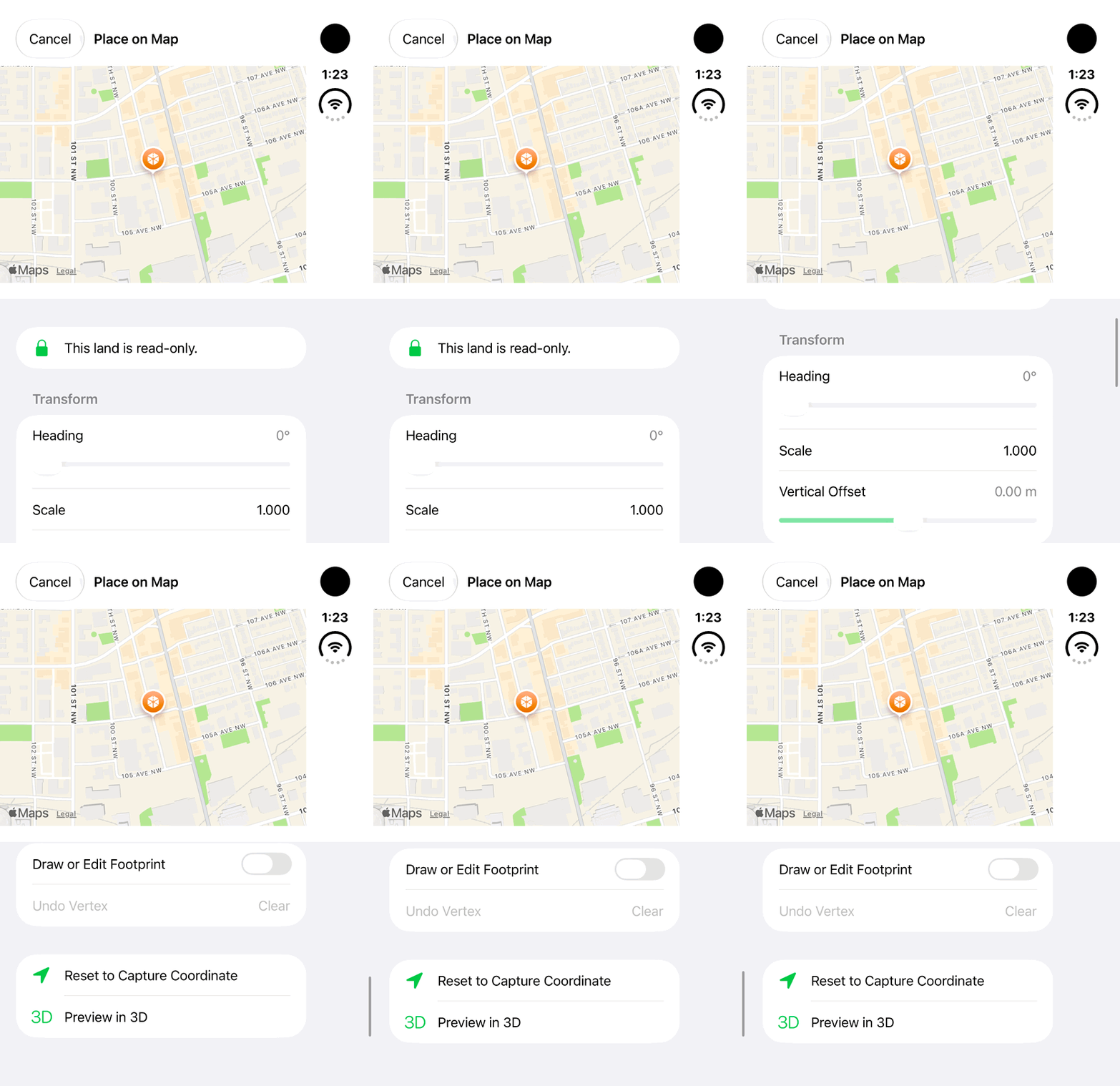
iPhone Duo: review placement controls and policy fields for a read-only land using fictional metadata and a public example coordinate. No heading, scale, footprint or policy change, model preview, import or Save is demonstrated.Open the looping GIF
Follow along
One step at a time.
Review the model’s geographic relationship without treating approximate placement as a survey.
Open the model actions
In the land’s 3D Site Models section choose the model menu.
Choose Place on Map or Edit Placement
Review the placement controls offered for that record.
Save the reviewed placement
Check location and accuracy context in the supported view.
Manage the model where permitted
Use Rename or offline pin controls as required. Delete has a separate confirmation.