
Choose map layers
Maps and stories
Choose the information you need and keep the visible map readable.
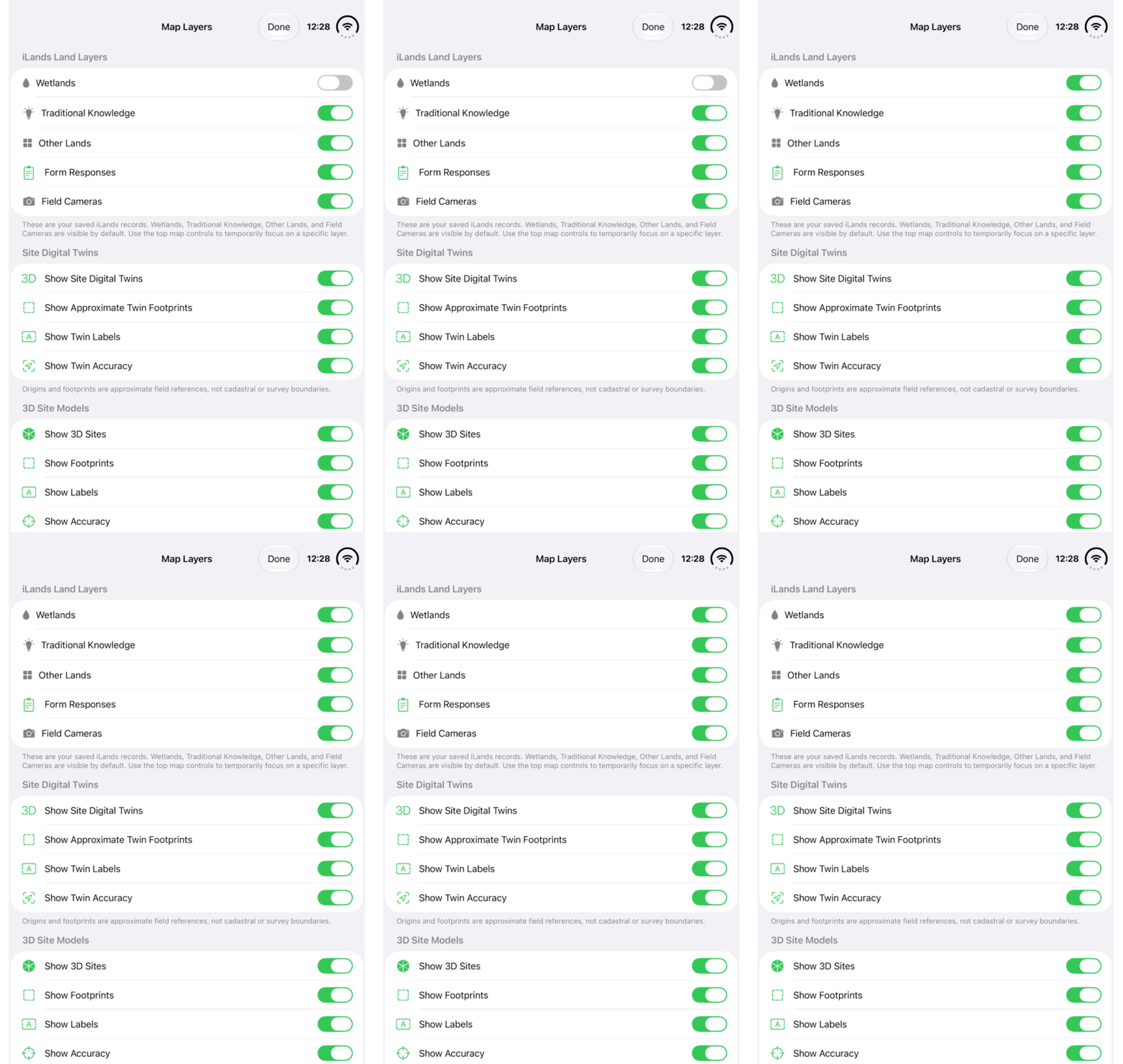
Walkthrough paused.
Follow the written steps or select Play walkthrough to watch the example.
Watch the Wetlands visibility switch in Map Layers. Follow the written steps to choose the layers you need.Open the looping GIF
Follow along
One step at a time.
Choose the information you need and keep the visible map readable.
Open Map Layers
Use the Map Layers control from Map.
Choose account records
Turn on the saved land, field-camera or Form Responses information needed for the task.
Choose public context
Enable public overlays as required and adjust Opacity. Zoom closer when the service requires it.
Distinguish fire and weather controls
Active Wildfires, Fire Weather Index (FWI) and Current Conditions have separate controls and meanings.