
Check weather near monitored lands
Environmental layers
The weather at a remote field site may differ from the weather beside your phone. Start with the saved site coordinates.
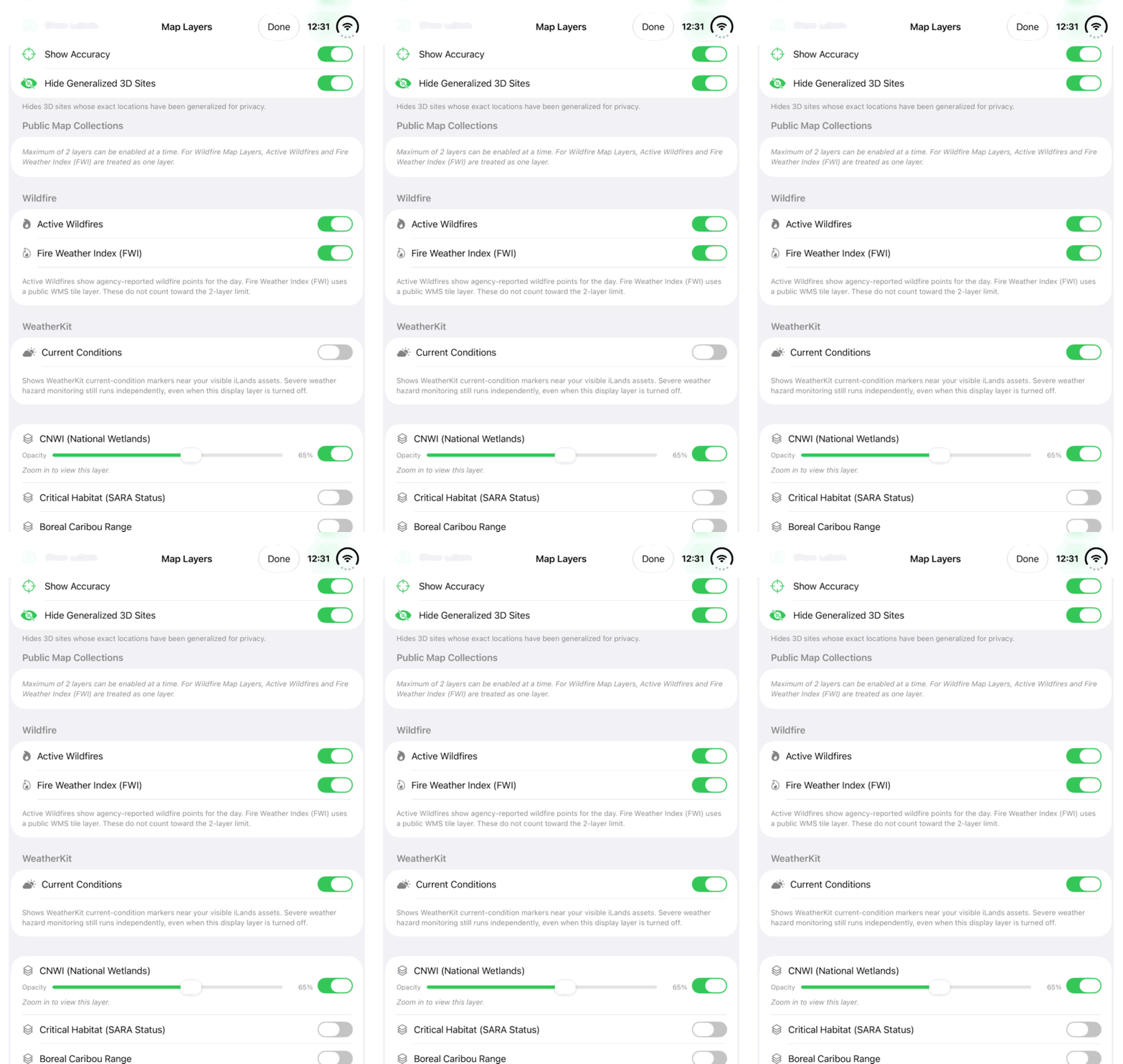
Walkthrough paused.
Use Play walkthrough to watch the example. The written steps are always available.
Watch the Current Conditions switch in Map Layers. Follow the steps to check weather around the lands you monitor.Open the looping GIF for Check weather near monitored lands
Follow along
One step at a time.
The weather at a remote field site may differ from the weather beside your phone. Start with the saved site coordinates.
Check the saved site
Open the relevant land or camera and review its coordinates. Device position is appropriate only when it actually represents that site.
Show current conditions
Open Map Layers and enable Current Conditions. The app requests WeatherKit information for available monitored targets.
Read the site context
Inspect an available condition marker and its target name. If a provider request fails, an absent reading must not be interpreted as clear or safe weather.
Check hazard context separately
Open Hazards, refresh and inspect alerts for the relevant monitored asset. Current Conditions visibility does not switch hazard monitoring on or off.