
View Site Digital Twins
3D sites
Inspect accessible captured versions and the advanced tools available in the installed build.
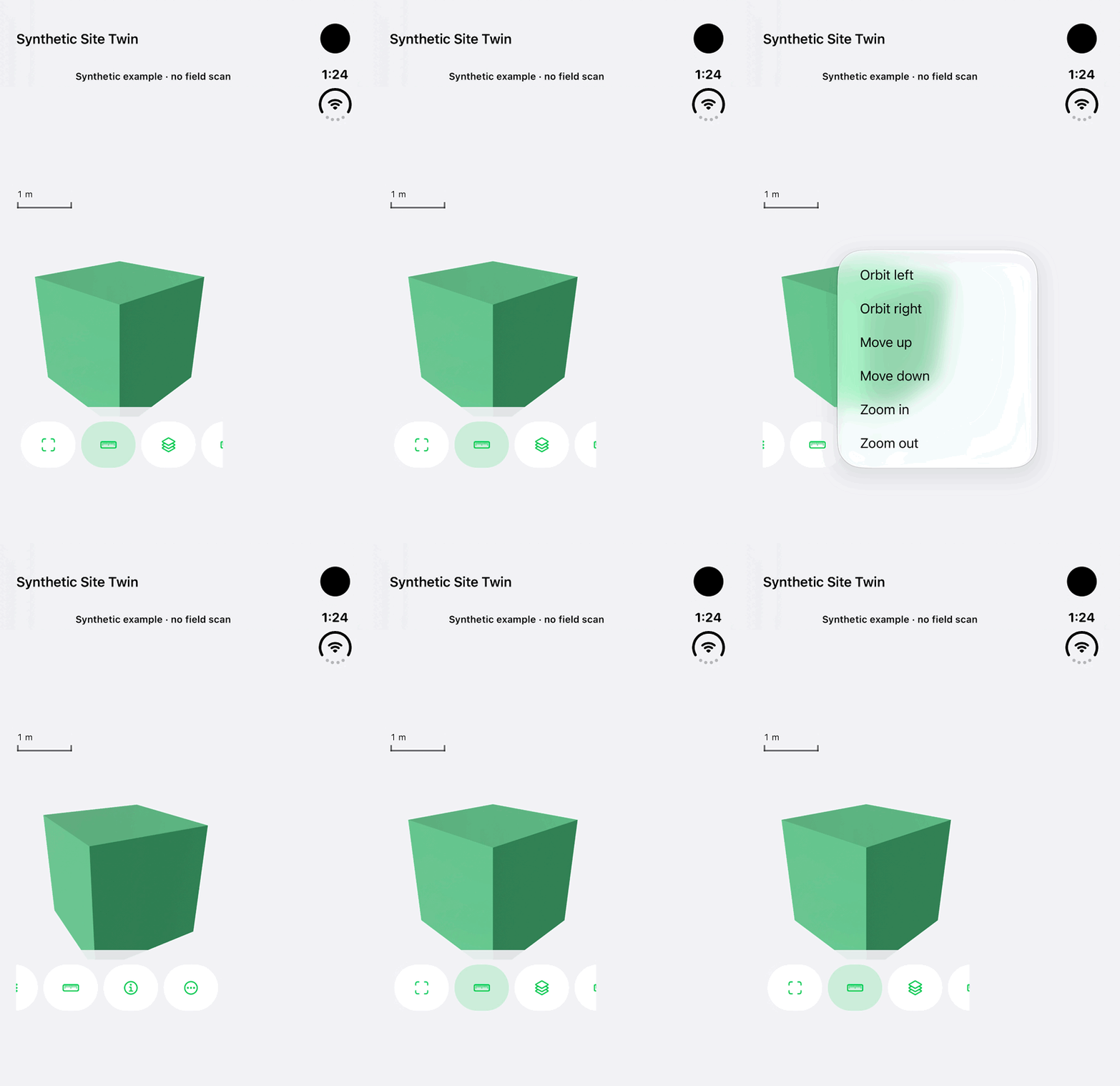
Walkthrough paused.
Follow the written steps or select Play walkthrough to watch the example.
iPhone Duo: open viewer controls, orbit and fit a clearly labelled synthetic Site Twin cube. This example is not a field scan, survey, measurement, imported result or cloud record.Open the looping GIF
Follow along
One step at a time.
Inspect accessible captured versions and the advanced tools available in the installed build.
Open Site Digital Twins
Open the section in an accessible land where available.
Choose a completed version
Review version date and local or cloud availability.
Tap View
Inspect the existing model and supported layers or annotations.
Use permitted advanced tools
Use available comparisons, observations, Story scenes or authorized exports and review accuracy context.