
Review subscription access
Settings
Check the signed-in account’s access before attempting protected actions.
Walkthrough paused.
Follow the written steps or select Play walkthrough to watch the example.
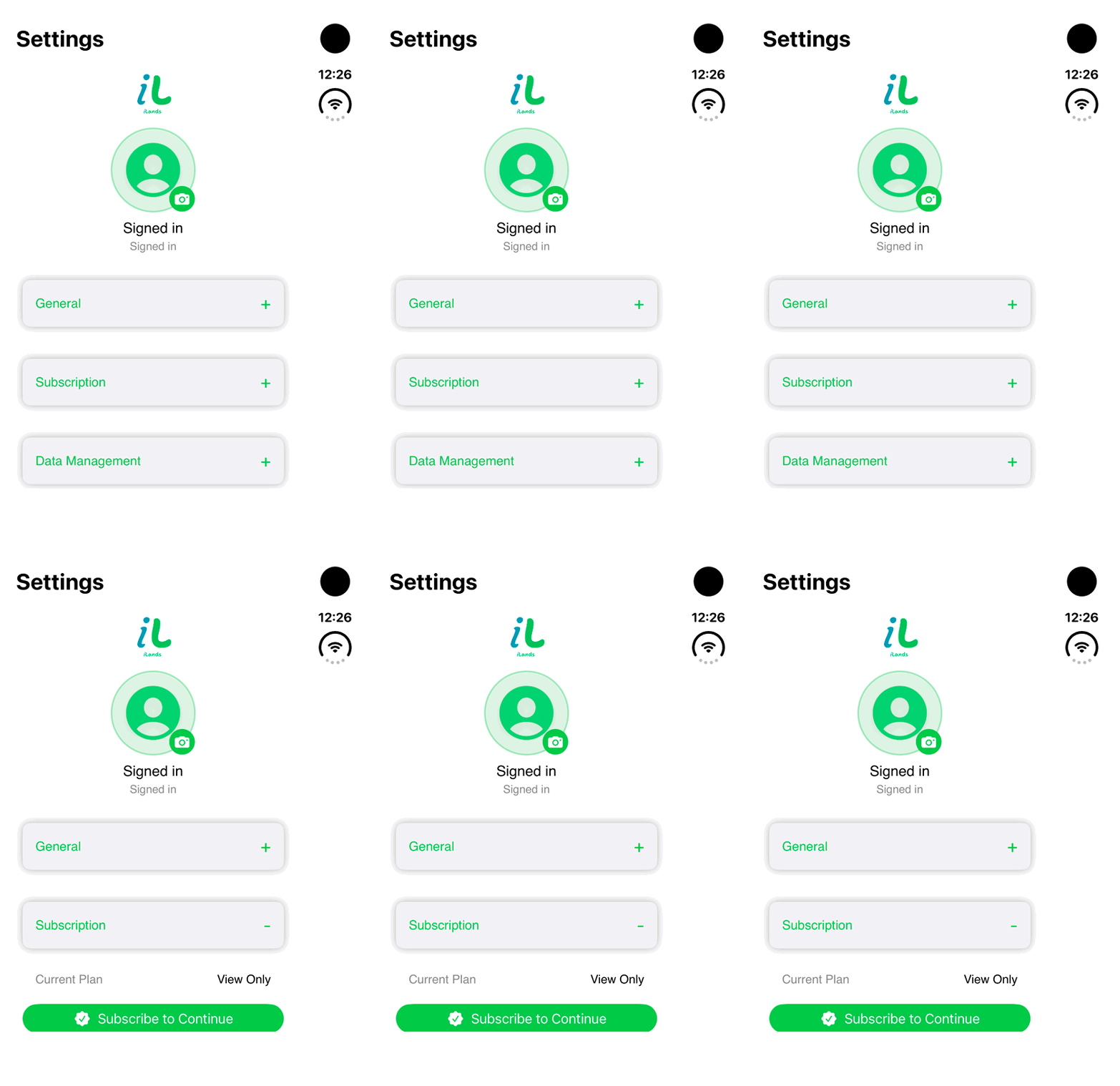
iPhone Duo: expand Subscription in Settings to inspect the displayed View Only plan and Subscribe to Continue option. No purchase, restore or subscription change is demonstrated. The generic capture account label does not establish a real user identity or entitlement.Open the looping GIF
Follow along
One step at a time.
Check the signed-in account’s access before attempting protected actions.
Expand Subscription
Open Settings and use the section’s plus or minus control.
Review Current Plan
Read the current plan, applicable trial and storefront price where available.
Use Restore Purchases if appropriate
Check an eligible prior purchase associated with the account.
Manage the existing subscription
Use Manage Subscription where offered. Eligible View Only accounts may see Subscribe to Continue.