
Prepare a printable Forms report
Reports
Create a readable response report with respondent context, answers and map geometry.
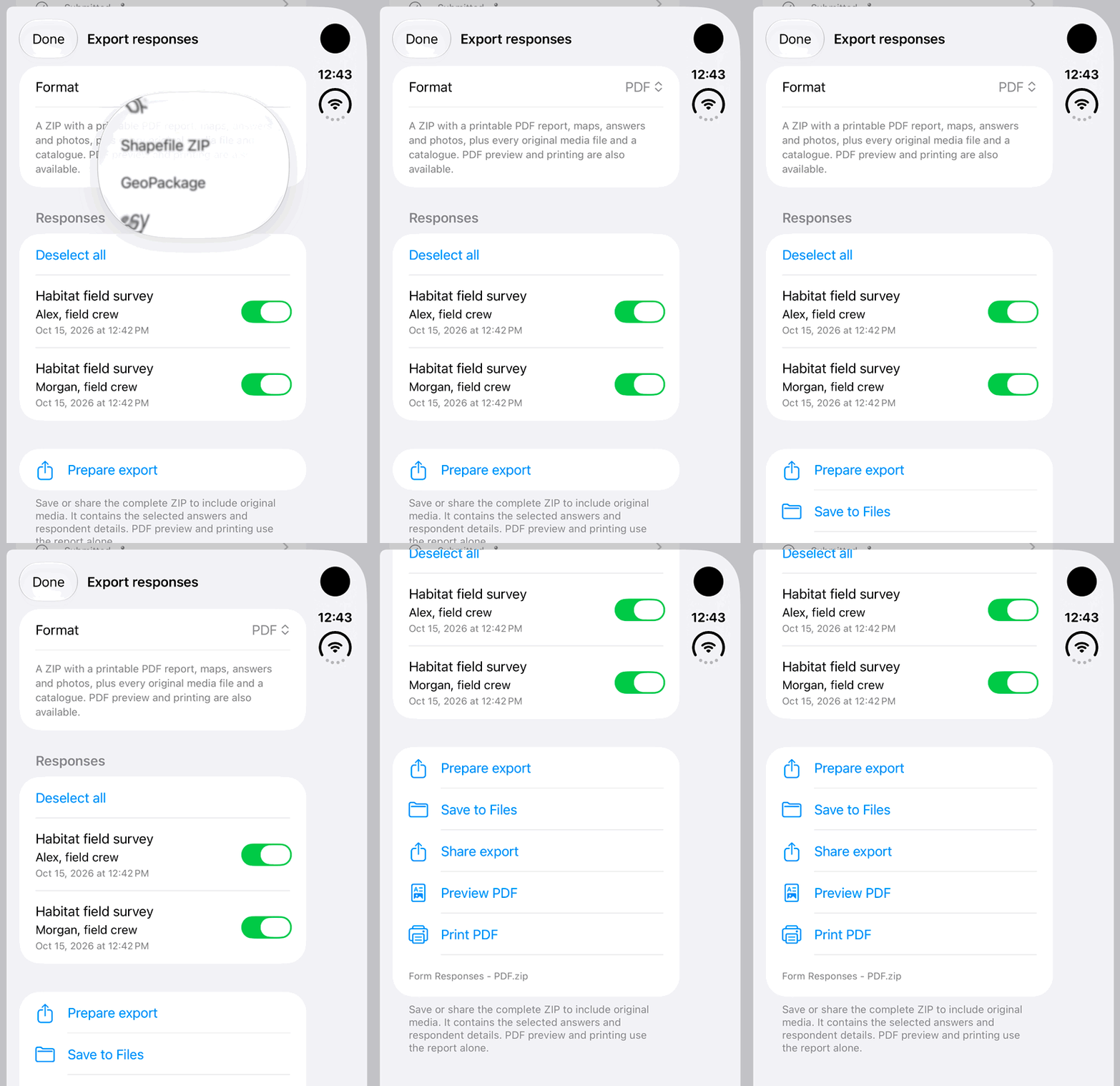
Walkthrough paused.
Follow the written steps or select Play walkthrough to watch the example.
iPhone Duo: select PDF for fictional form responses, prepare a local export and review the available export actions. No Save to Files, Share or Print is performed; completed PDF content is not shown.Open the looping GIF
Follow along
One step at a time.
Create a readable response report with respondent context, answers and map geometry.
Choose records
Open Export response or select several through Export responses.
Choose PDF
Set Format to PDF and tap Prepare export.
Review the report
Check respondent details, dates, questions, maps and available photos or signatures.
Save, share or print
Use Save to Files or Share export. Open the PDF in a compatible viewer for Print where available.