
Check 3D Site capture support
3D sites
Check whether the device can capture and reconstruct a 3D Site locally. If capture is unavailable, an authorized USDZ import can be an alternative.
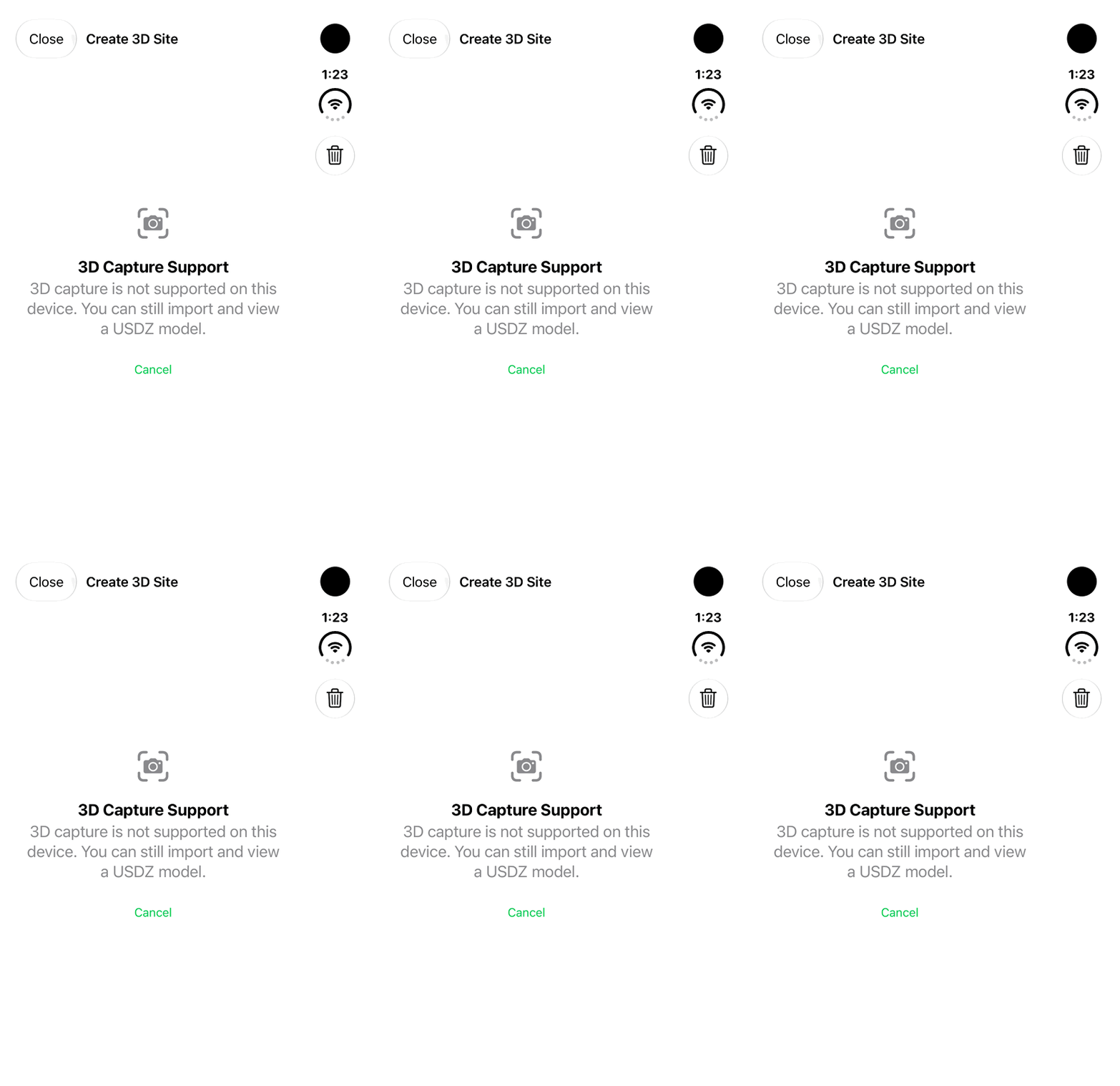
Walkthrough paused.
Follow the written steps or select Play walkthrough to watch the example.
iPhone Duo: review the actual 3D Capture Support message on an unsupported device. No physical capture, reconstruction, USDZ import or saved model is demonstrated.Open the looping GIF
Follow along
One step at a time.
Check whether the device can capture and reconstruct a 3D Site locally. If capture is unavailable, an authorized USDZ import can be an alternative.
Review capture support
Open the land’s 3D Site Models section and review the capture option available on that device. Imported or read-only land records cannot start a new capture.
Read the device message
If iLands shows 3D Capture Support, read the unsupported-device message. Capture availability is separate from importing or viewing a model.
Consider the USDZ alternative
Where Import Model is offered and your access permits it, choose an existing USDZ file from Files. This support overview does not demonstrate an import or a completed capture.
Continue with an available viewer
An existing local model can be viewed where supported. Use the related Site Models guide for viewer controls; use compatible physical hardware for an actual capture workflow.