
Add custom field values
Land records
Use explicit field names to preserve observations that need a flexible record.
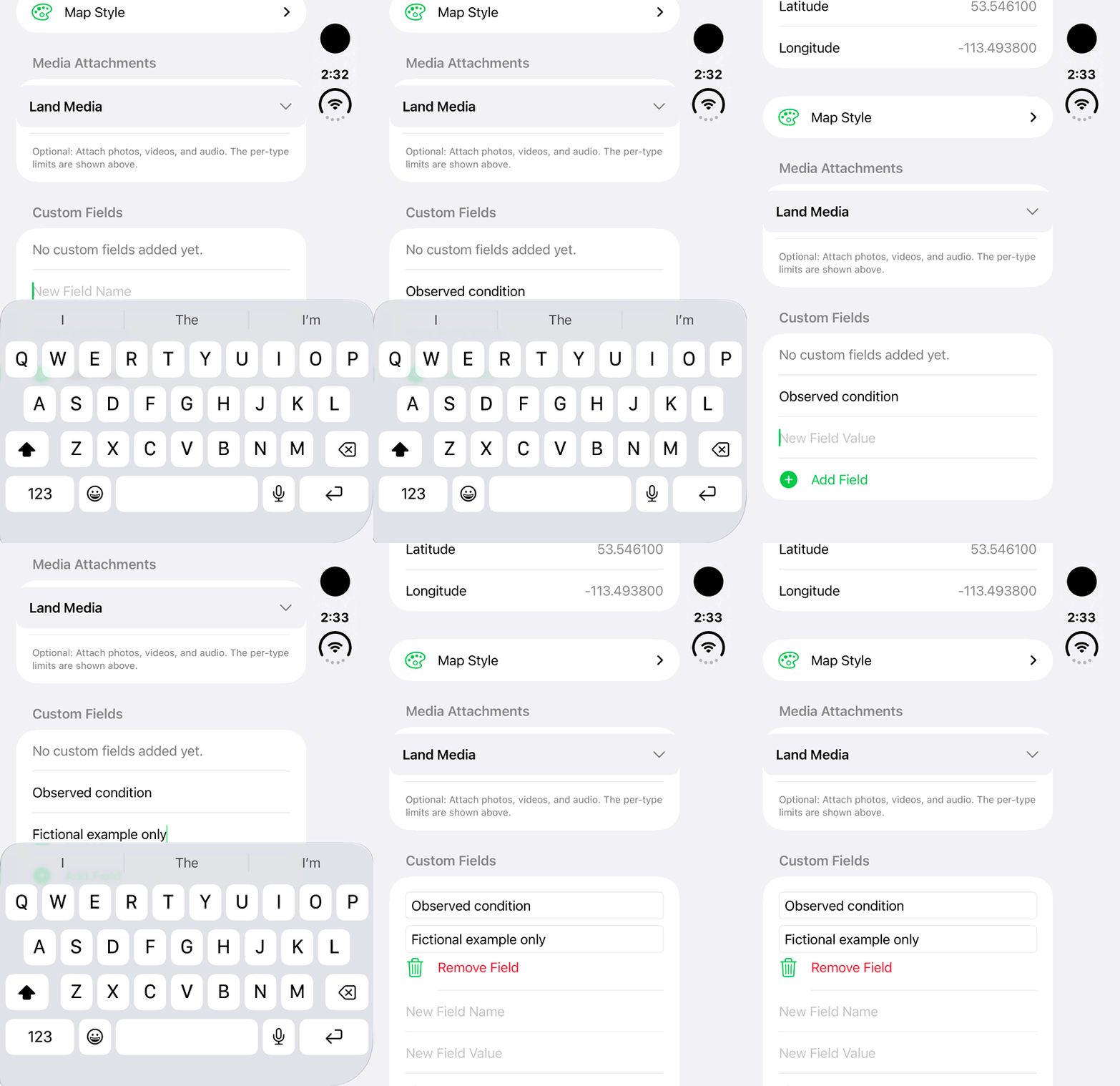
Walkthrough paused.
Follow the written steps or select Play walkthrough to watch the example.
Add a custom field to an Other Land draft: this fictional example records Observed condition. The new row is added in the editor; Save and cloud sync are not shown.Open the looping GIF
Follow along
One step at a time.
Use explicit field names to preserve observations that need a flexible record.
Open Other Land
Create or edit an Other Land record with the required access.
Find Custom Fields
Enter New Field Name and New Field Value.
Tap Add Field
Add the name/value pair and review it for clarity.
Save and inspect
Save the record and reopen the details to verify the values.