
Delete a form and its responses
Forms
Read the permanent-removal explanation before confirming deletion.
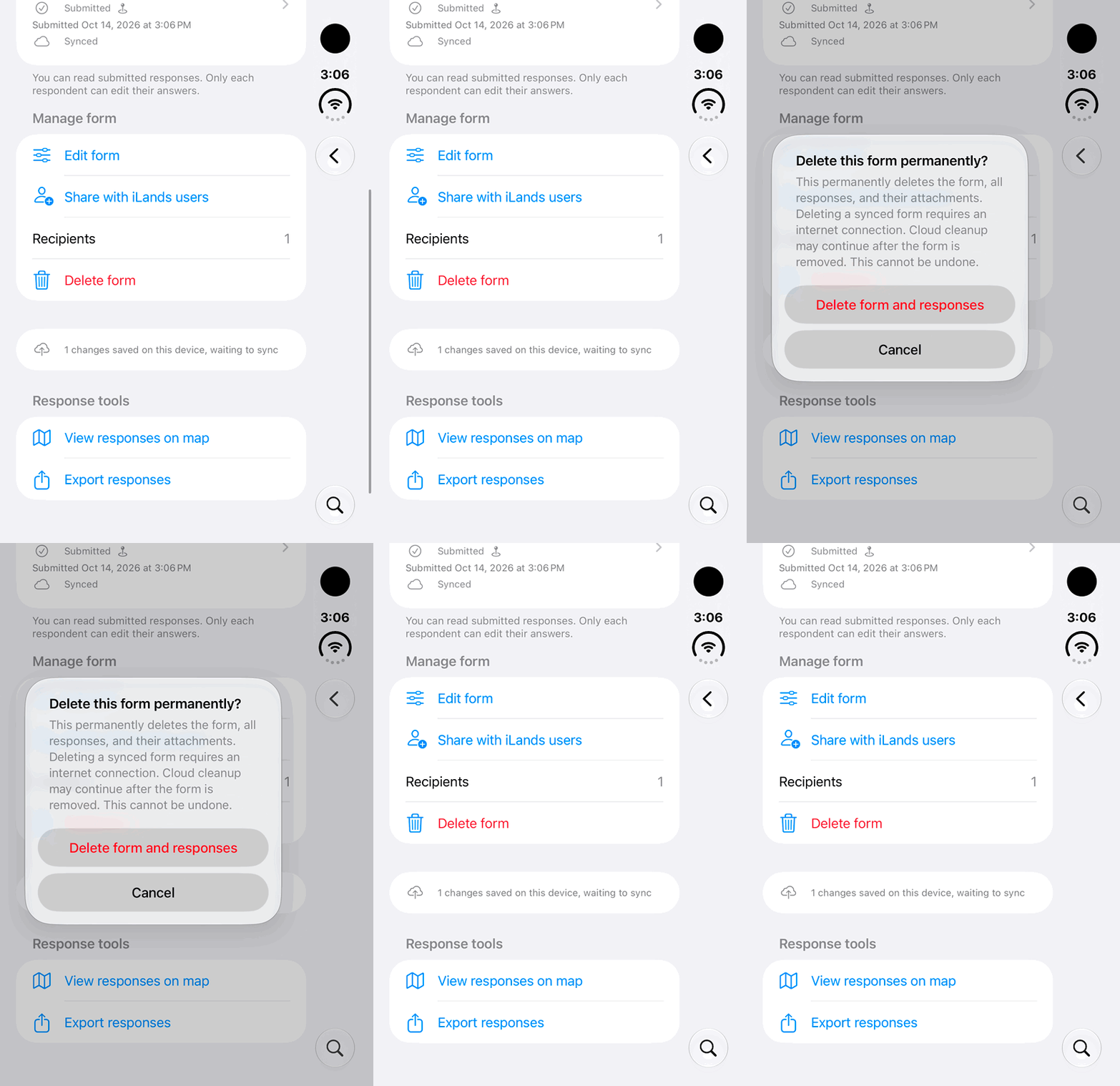
Walkthrough paused.
Follow the written steps or select Play walkthrough to watch the example.
iPhone Duo: review the permanent-delete warning, then Cancel. This demonstration does not delete a form or its responses.Open the looping GIF
Follow along
One step at a time.
Read the permanent-removal explanation before confirming deletion.
Open Manage form
Only the author can choose Delete form.
Review the removal
Read the explanation and confirm that the form, responses and attachments are intended for permanent deletion.
Confirm Delete form and responses
A synced form requires internet for deletion.
Allow cloud cleanup
Cleanup may continue after the form disappears. Previously exported copies remain with their recipients.