
Protect data and manage the account
Account care
Review the stewardship policies and distinguish ending a session from permanent account deletion.
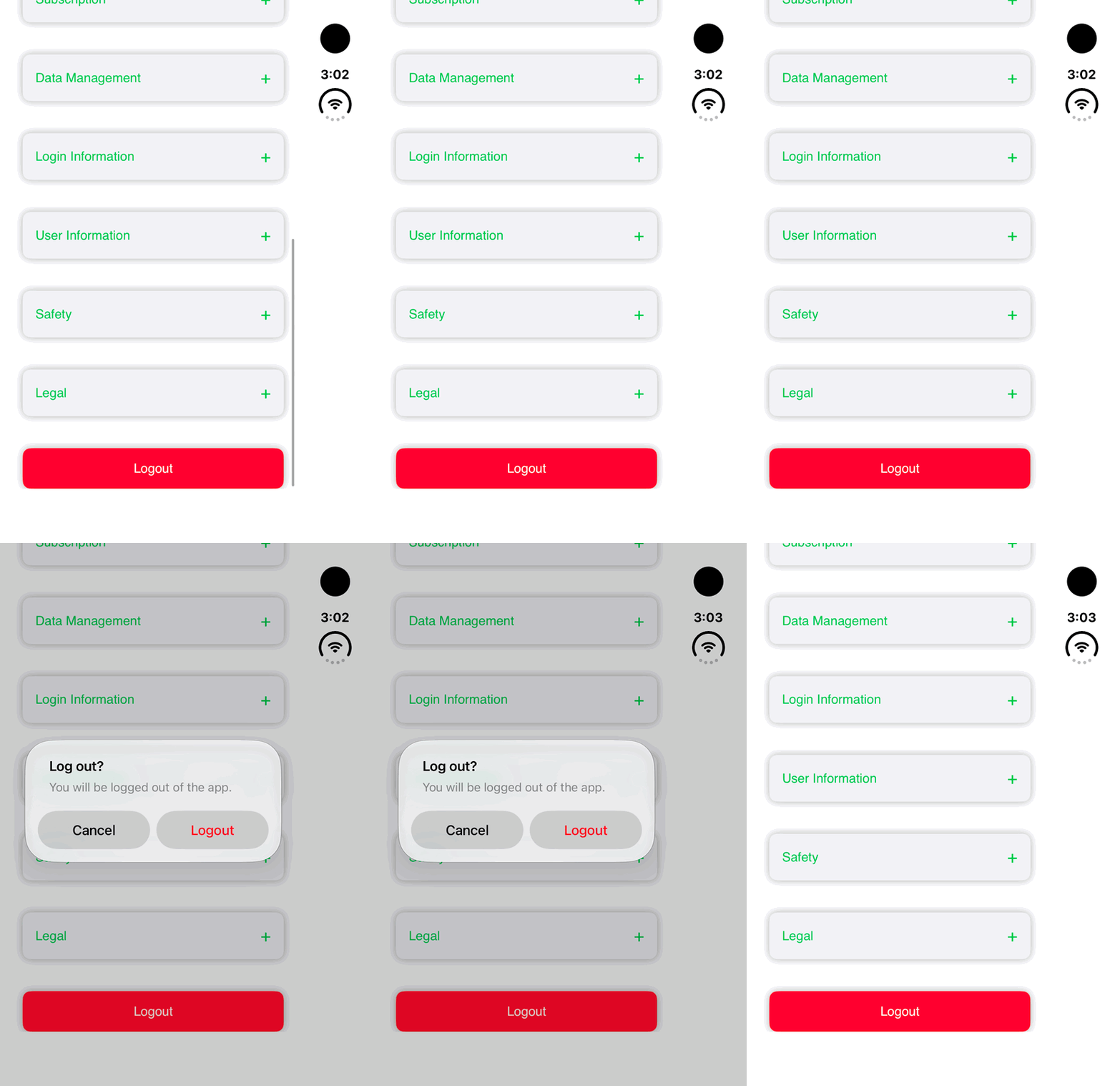
Walkthrough paused.
Follow the written steps or select Play walkthrough to watch the example.
iPhone Duo: review the Logout warning, then Cancel. No account is logged out or deleted in this demonstration.Open the looping GIF
Follow along
One step at a time.
Review the stewardship policies and distinguish ending a session from permanent account deletion.
Open Legal
Read the Terms, Privacy, Acceptable Use and Data Stewardship and Sensitive Information policies in Settings.
Review sharing choices
Share exact locations, cultural information, imagery and exports only with appropriate authorization.
Use Logout to end a session
Logout is separate from account deletion.
Read Delete Account before confirming
Permanent deletion may require recent sign-in and typing DELETE. Review what is removed and manage Apple or Reconyx subscriptions separately.