
Review Site Twin capture requirements
3D sites
Review the hardware, access and field preparation required for a LiDAR Site Twin. Existing twins can remain viewable when capture is unavailable.
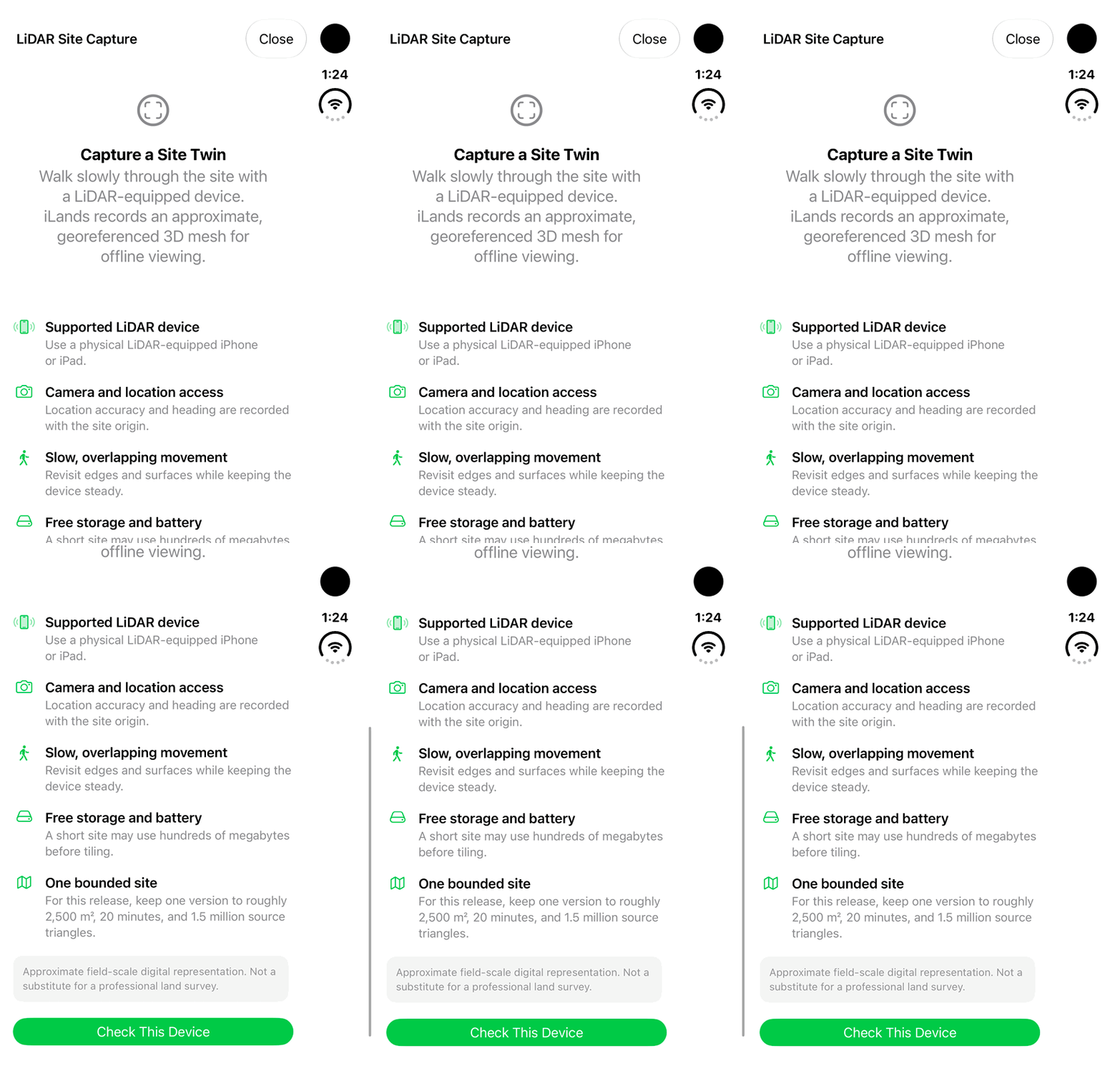
Walkthrough paused.
Follow the written steps or select Play walkthrough to watch the example.
iPhone Duo: review the native Site Twin capture requirements and approximate-accuracy disclosure. No Check This Device action, permission change, live LiDAR scan, processing or saved capture is demonstrated.Open the looping GIF
Follow along
One step at a time.
Review the hardware, access and field preparation required for a LiDAR Site Twin. Existing twins can remain viewable when capture is unavailable.
Find the capture requirements
On an eligible land record, open Site Digital Twins and review capture availability. If LiDAR capture is unavailable, use an existing viewable Site Twin instead.
Check device and access needs
Review Supported LiDAR device and Camera and location access. A simulator cannot perform the physical scan, and a device’s viewer support does not establish capture support.
Plan a bounded scan
Review Slow, overlapping movement, Free storage and battery, and One bounded site. Follow the limits displayed in the installed build and read the accuracy disclosure.
Review preflight before scanning
On compatible physical hardware, Check This Device opens the preflight checks. Resolve blocking requirements before proceeding. This requirements overview does not start, process or save a scan.