
Browse and maintain land records
Land records
Find the right module, open a saved record and review its status before continuing fieldwork.
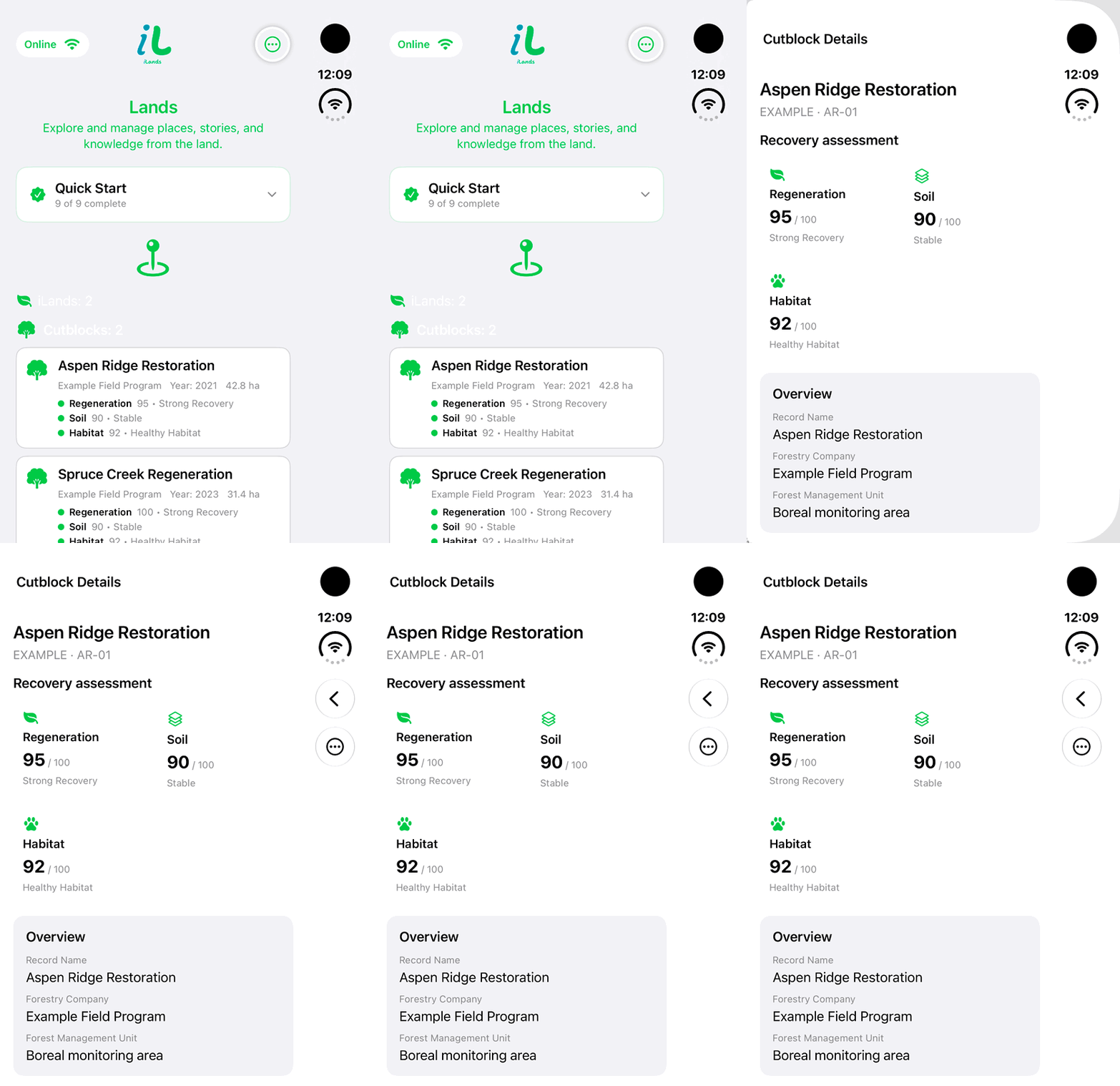
Walkthrough paused.
Follow the written steps or select Play walkthrough to watch the example.
iPhone Duo: open a fictional Cutblock from the Lands list and inspect its summary. No editing, saving, synchronization or real field assessment is demonstrated.Open the looping GIF
Follow along
One step at a time.
Find the right module, open a saved record and review its status before continuing fieldwork.
Open Lands
Review the records grouped by land type and tap the desired record.
Open More Land Actions
On compact layouts use the ellipsis menu for Add Land, Import Land Data or Retry Sync.
Review details
Check observations, geometry and media. Use Edit Information where permitted.
Check synchronization
Connectivity shows Online or Offline; verify pending work separately and use Retry Sync when available.