
Explore Wildlife Habitat fields
Land records
Review Wildlife Habitat fields before planning field observations. The current build cannot save these records.
Walkthrough paused.
Follow the written steps or select Play walkthrough to watch the example.
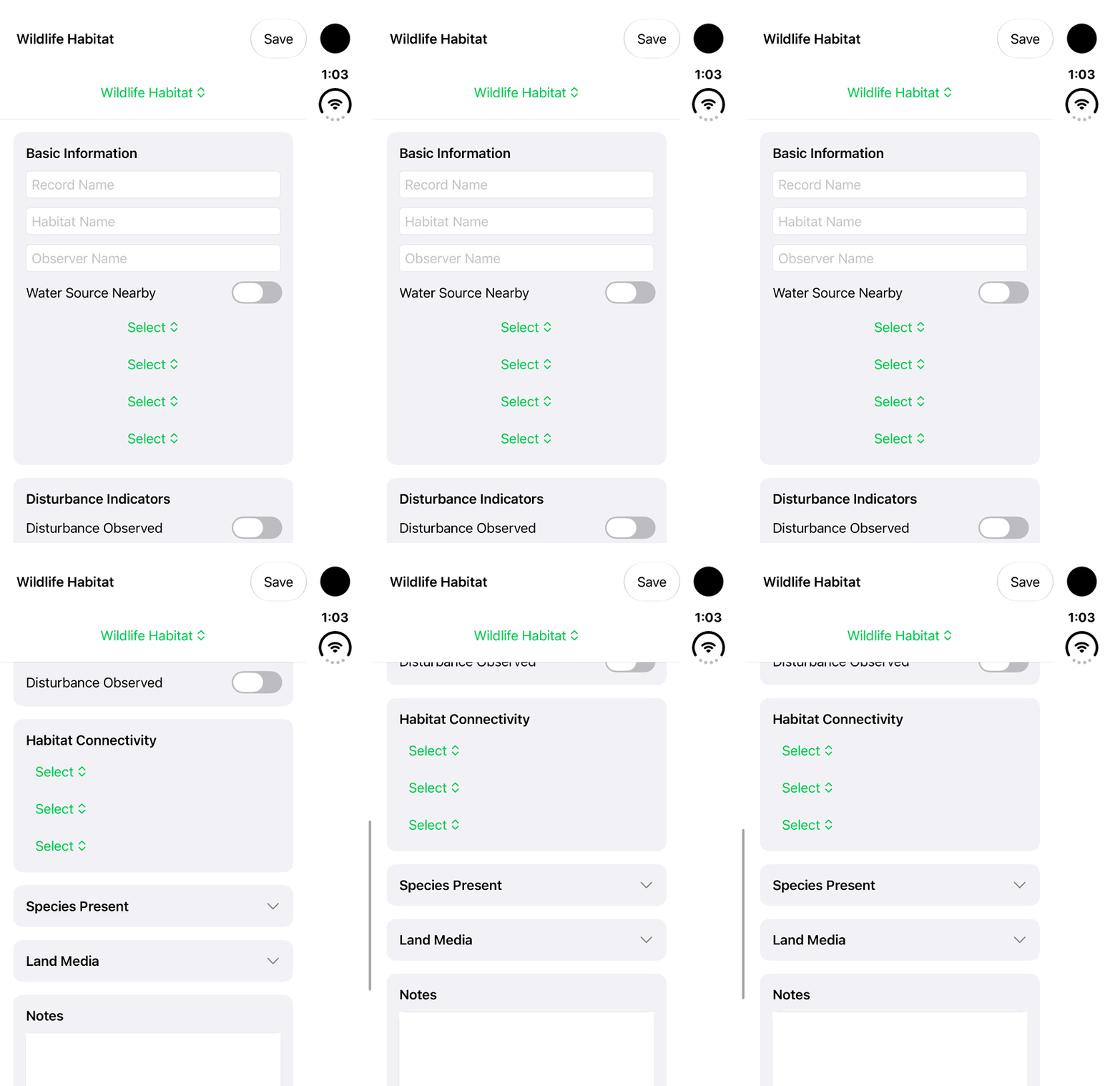
iPhone Duo: review Wildlife Habitat fields, including Basic Information, Disturbance Indicators and Habitat Connectivity. The current build cannot save these records; no completed wildlife assessment or persisted record is demonstrated.Open the looping GIF
Follow along
One step at a time.
Review Wildlife Habitat fields before planning field observations. The current build cannot save these records.
Choose Wildlife Habitat
In Lands, choose Add Land and select Wildlife Habitat from the land-type menu.
Review Basic Information
Inspect the visible Record Name, Habitat Name, Observer Name and Water Source Nearby controls.
Review the observation sections
Scroll through Disturbance Indicators and Habitat Connectivity. The recording leaves the controls unchanged; some selection rows display only Select.
Leave the entry unsaved
The current build cannot save this module’s record. Use an established recording method for information you need to keep.