
Register with a mobile number
Getting started
The mobile registration flow uses an SMS code and then proceeds to profile setup.
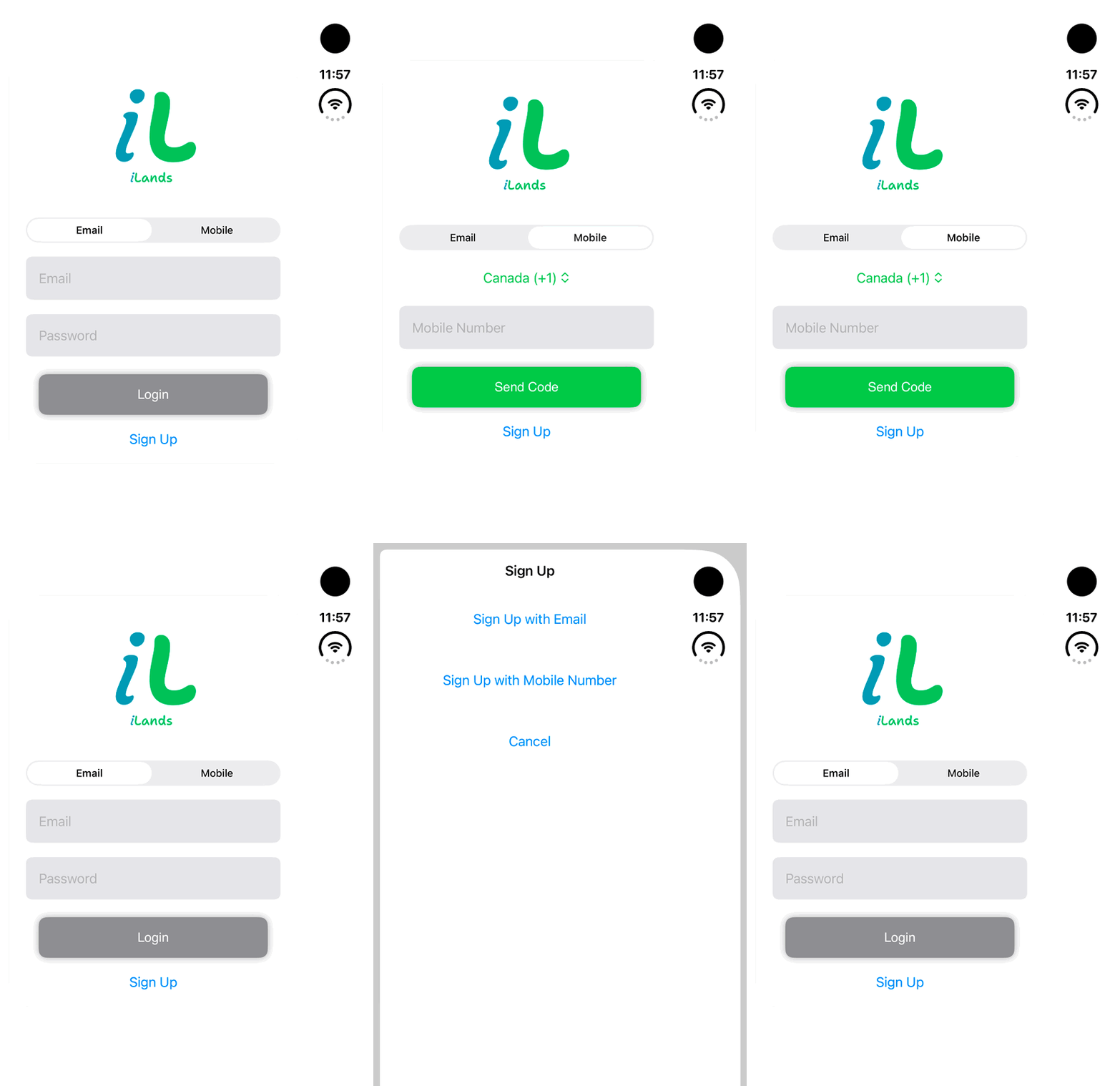
Walkthrough paused.
Follow the written steps or select Play walkthrough to watch the example.
iPhone Duo: switch between Email and Mobile sign-in and review Sign Up method choices. No credentials are entered, SMS requested, account created or login completed.Open the looping GIF
Follow along
One step at a time.
The mobile registration flow uses an SMS code and then proceeds to profile setup.
Choose mobile registration
Tap Sign Up → Sign Up with Mobile Number.
Request the SMS code
Choose the country code and enter the intended mobile number.
Tap Verify Code
Enter the six-digit SMS code and tap Verify Code when enabled.
Complete the profile
Continue to Create User Profile and finish the required registration steps.